
How do I create and manage a panel database?
The Databases page in your server panel lets you create MySQL/MariaDB databases for your server, useful for plugins or mods that need persistent storage separate from flat files.
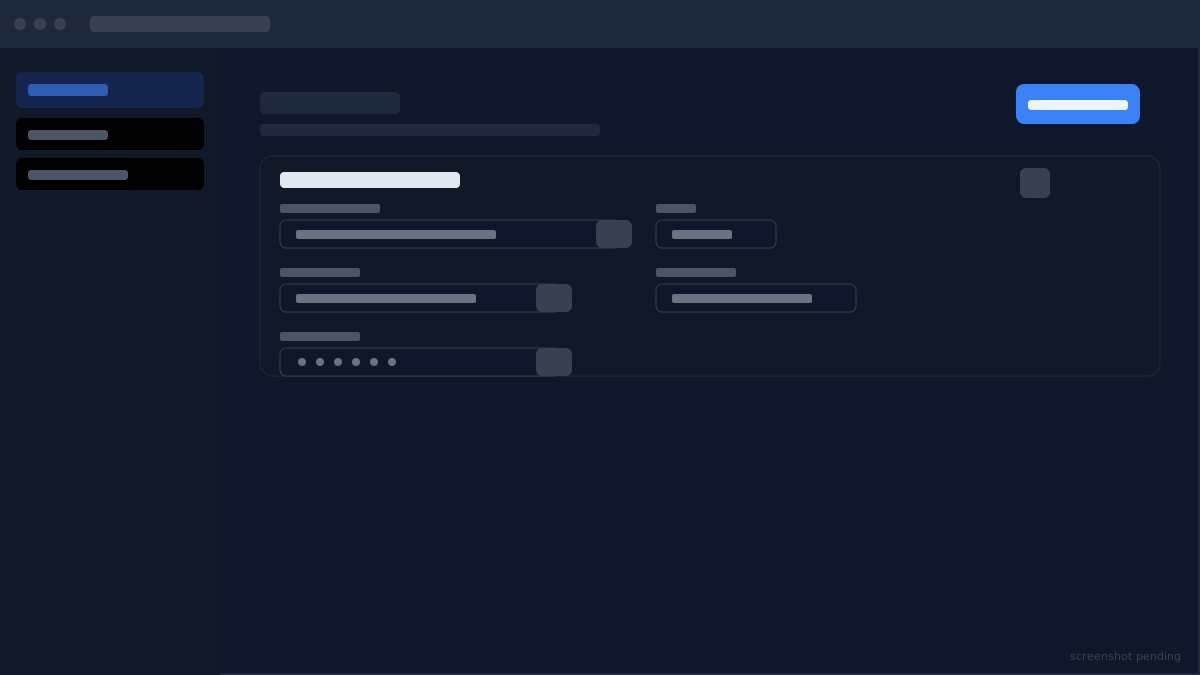
To create a database, open the Databases page and click "Create database". Give it a name (letters, numbers, and underscores only). The panel creates the database and generates credentials: a hostname, port, database name, username, and password. These are shown once, so copy them and store them securely, as the password is not shown again after creation.
To use the database in your server, pass the credentials as environment variables on the Startup page, or enter them directly into your plugin or mod's configuration file. The exact field names depend on the plugin; common ones are db_host, db_user, db_pass, and db_name.
To connect from a database GUI tool (TablePlus, DBeaver, HeidiSQL) for inspection or manual queries, use the same credentials. The database host is only reachable from your server and from your local machine if your IP is in the allowed hosts list; contact support if you need external access.
To delete a database, click the delete icon on its row on the Databases page. Deletion is permanent and removes all data stored in that database. Back up any important data before deleting.
Didn't fix it? Ask in Discord.
Ask in our Discord - we help with hosting questions whether or not you host with us.