
Factorio Hosting
Your factory, always running.
A dedicated server keeps your factory running when nobody is online, so everyone in your group can build on their own schedule. Manage saves, new maps and Mod Portal mods from one panel page, play the base game or Space Age, and stay on the newest Factorio release.
UK, EU and Canada hosted. Full panel access.
What you get
Saves & Mods Page
Pick the save the server loads, back up, download or upload saves, start new maps from the game presets, and add mods from the Mod Portal. All on one page, no file editing.
Base Game or Space Age
One switch turns the Space Age expansion on or off. Servers start on the base game, so anyone who owns Factorio can join.
Updates Itself
The server moves to the newest Factorio release every time it starts, so players on the latest version can always join.
Bring Your Save
Upload a save from your own PC or another host and load it in one click. The server carries on your factory instead of starting a new one.
Automatic Backups
Your factory is backed up on a schedule, and any save can be copied on the spot before a risky change. Restore from the panel if a bad blueprint or a train pileup wrecks something.
Private or Listed
Private by default: players join by address and an optional game password. Add your factorio.com account to list the server in the public browser.
Live Console
Watch the server log as it happens and run server commands, from saving the game to checking evolution.
Share Access Safely
Give friends their own login with only the permissions they need, so they can restart the server or manage mods without your password.
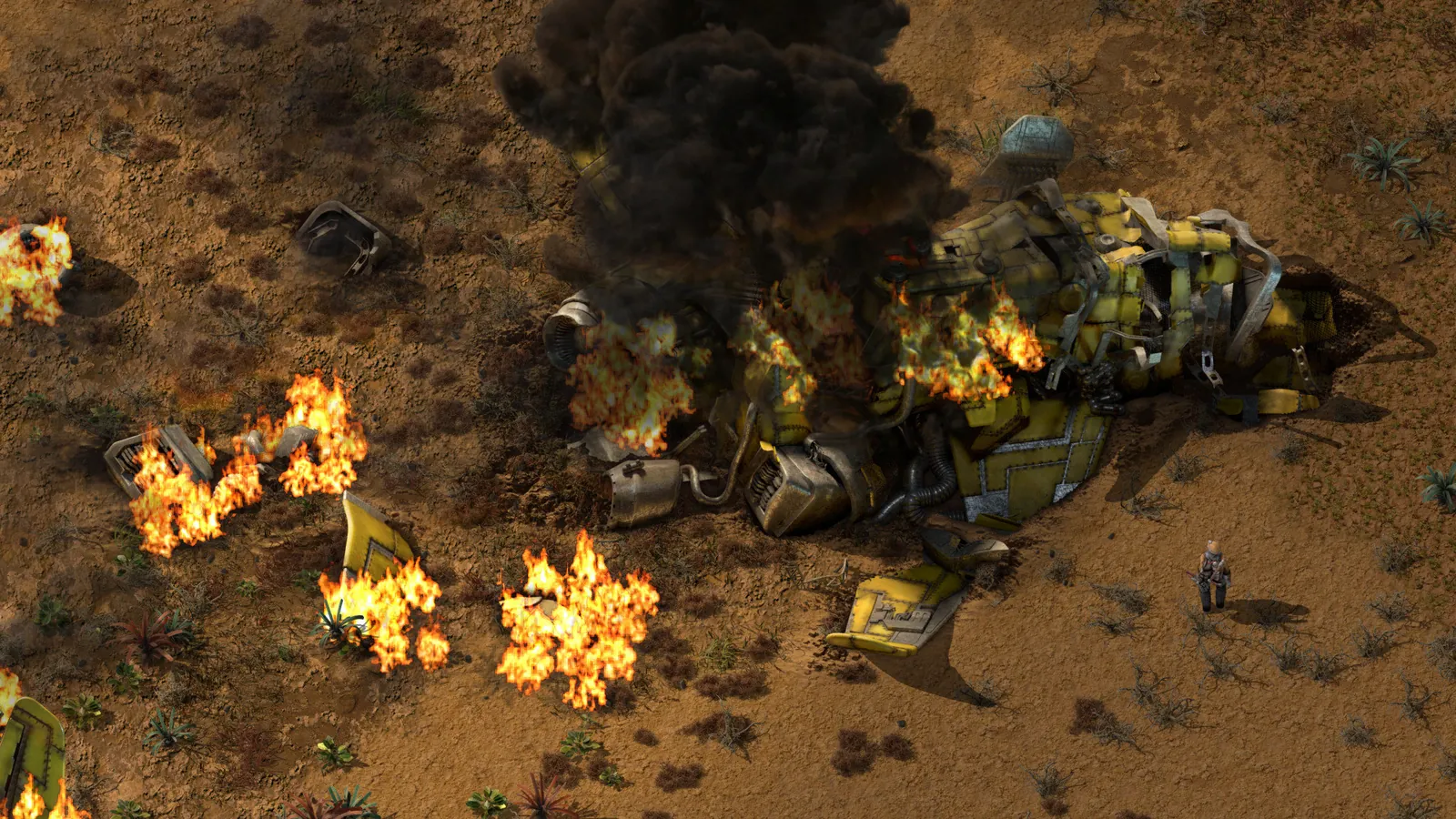
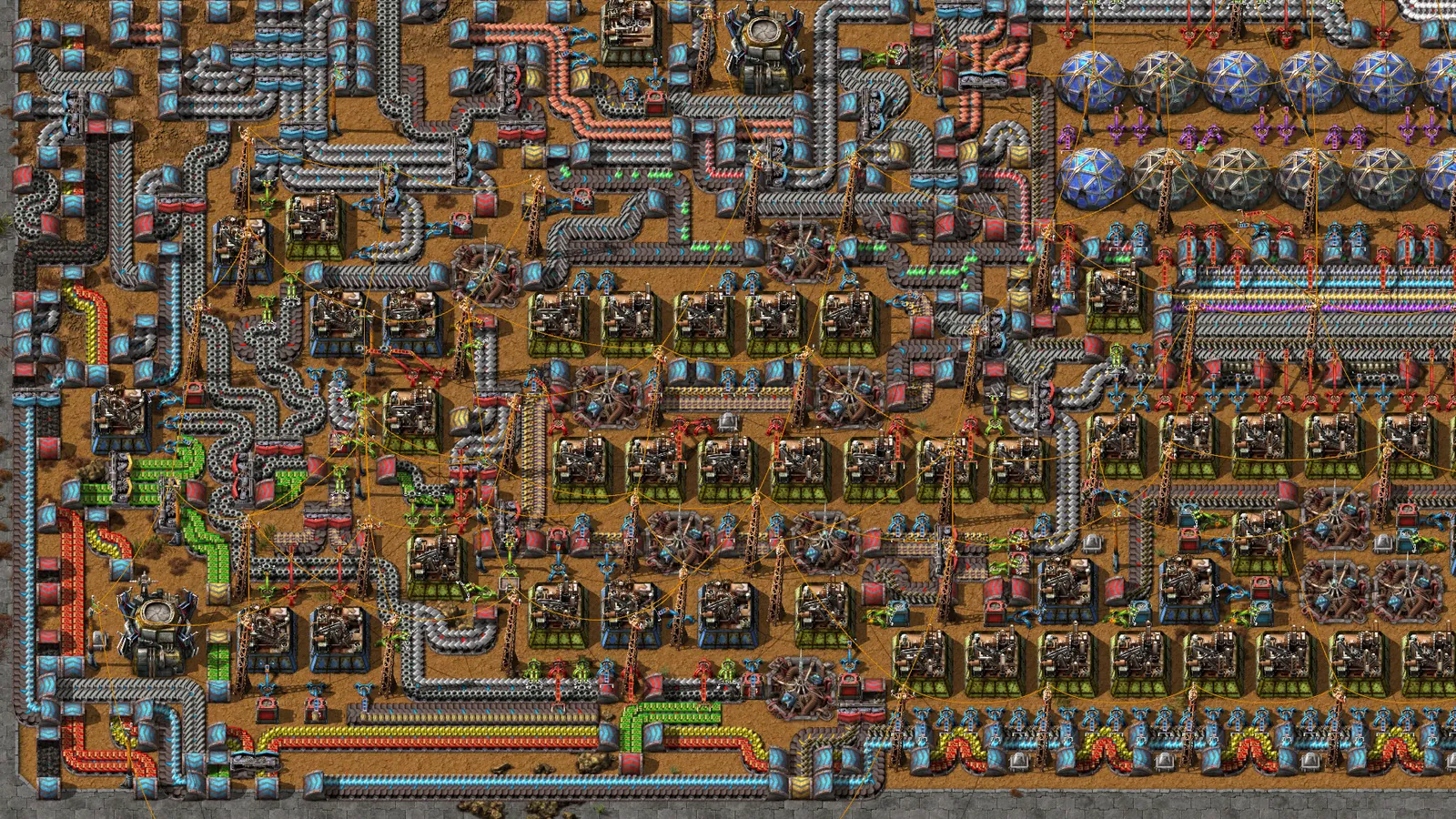
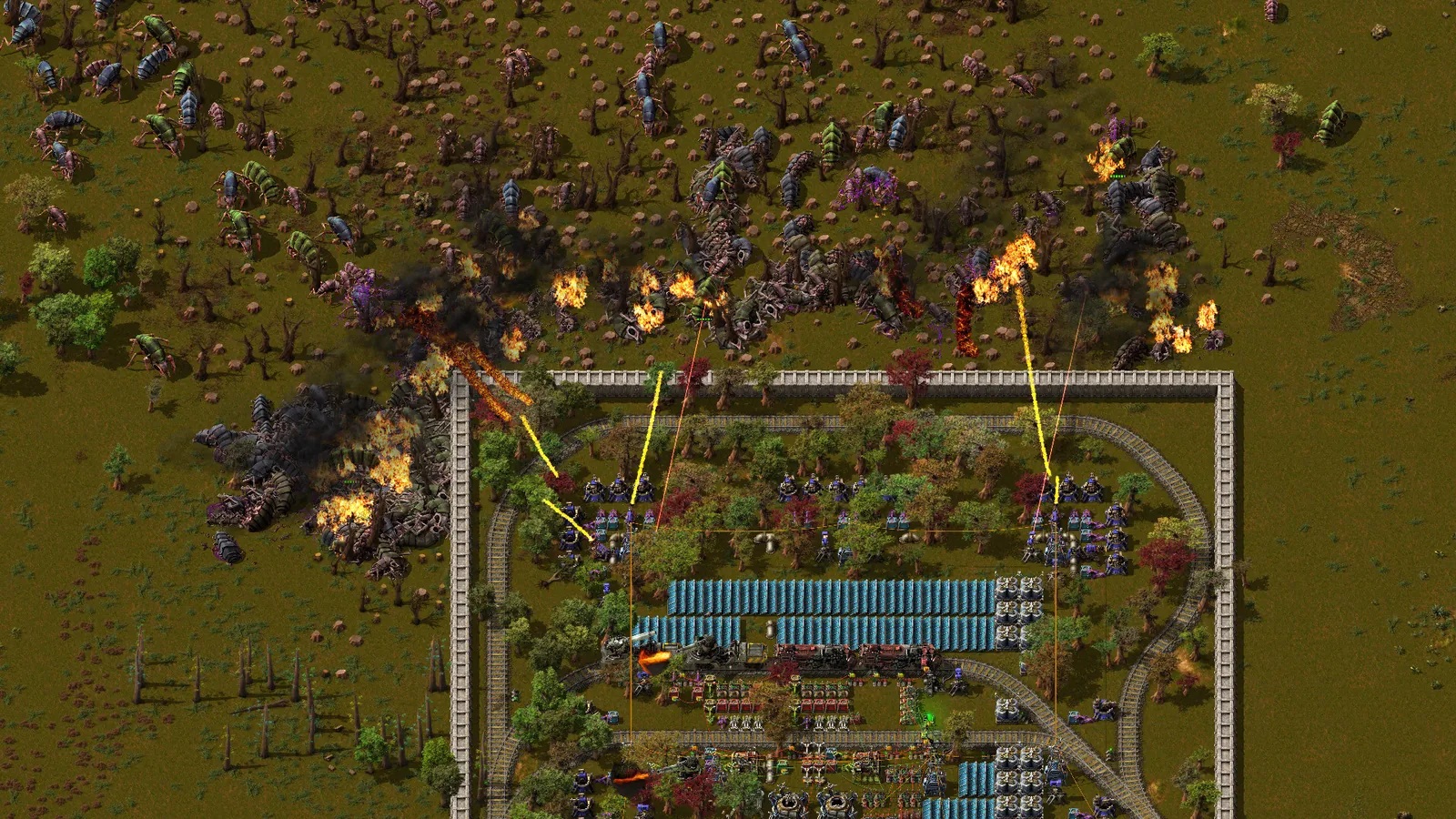
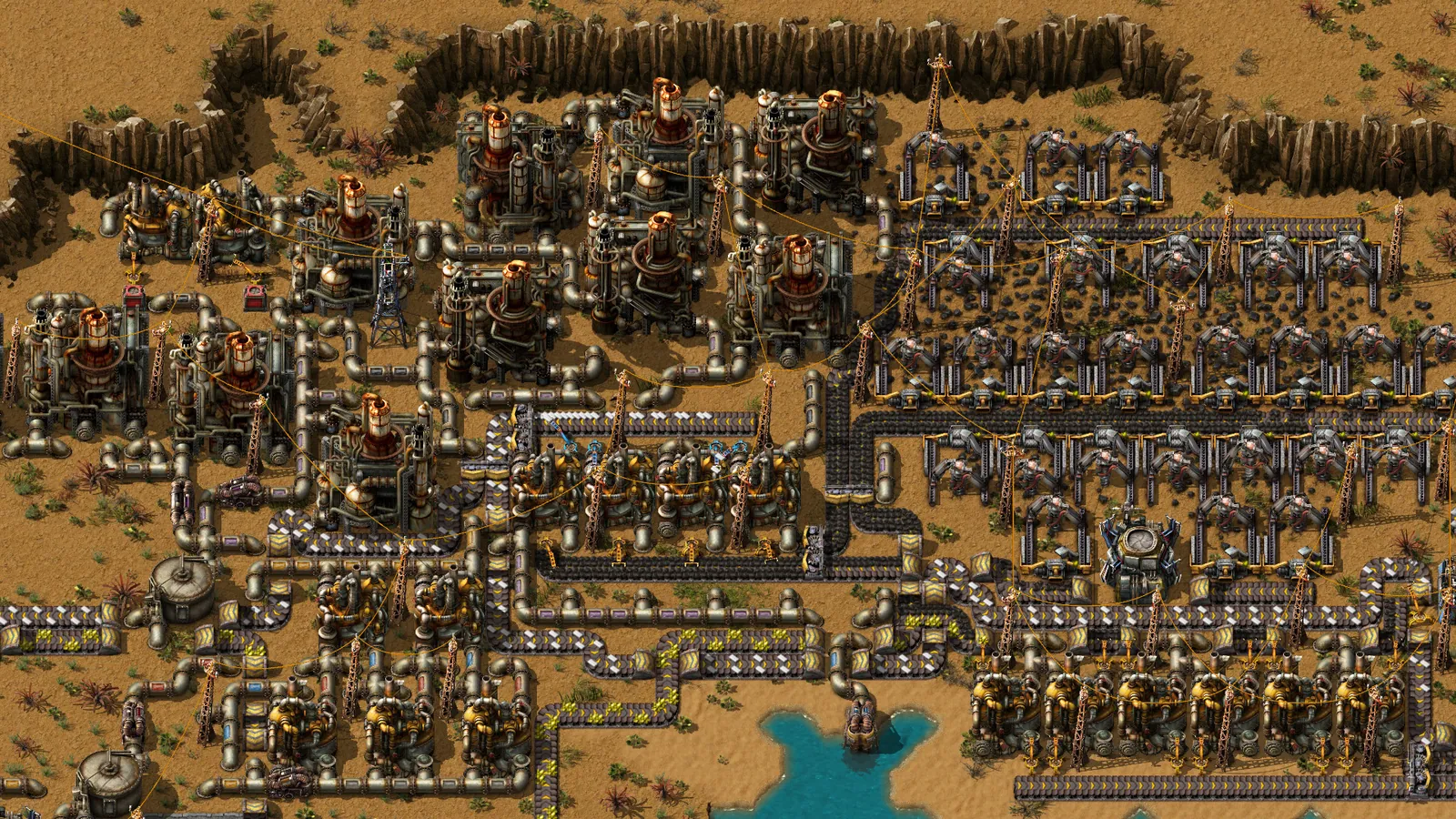
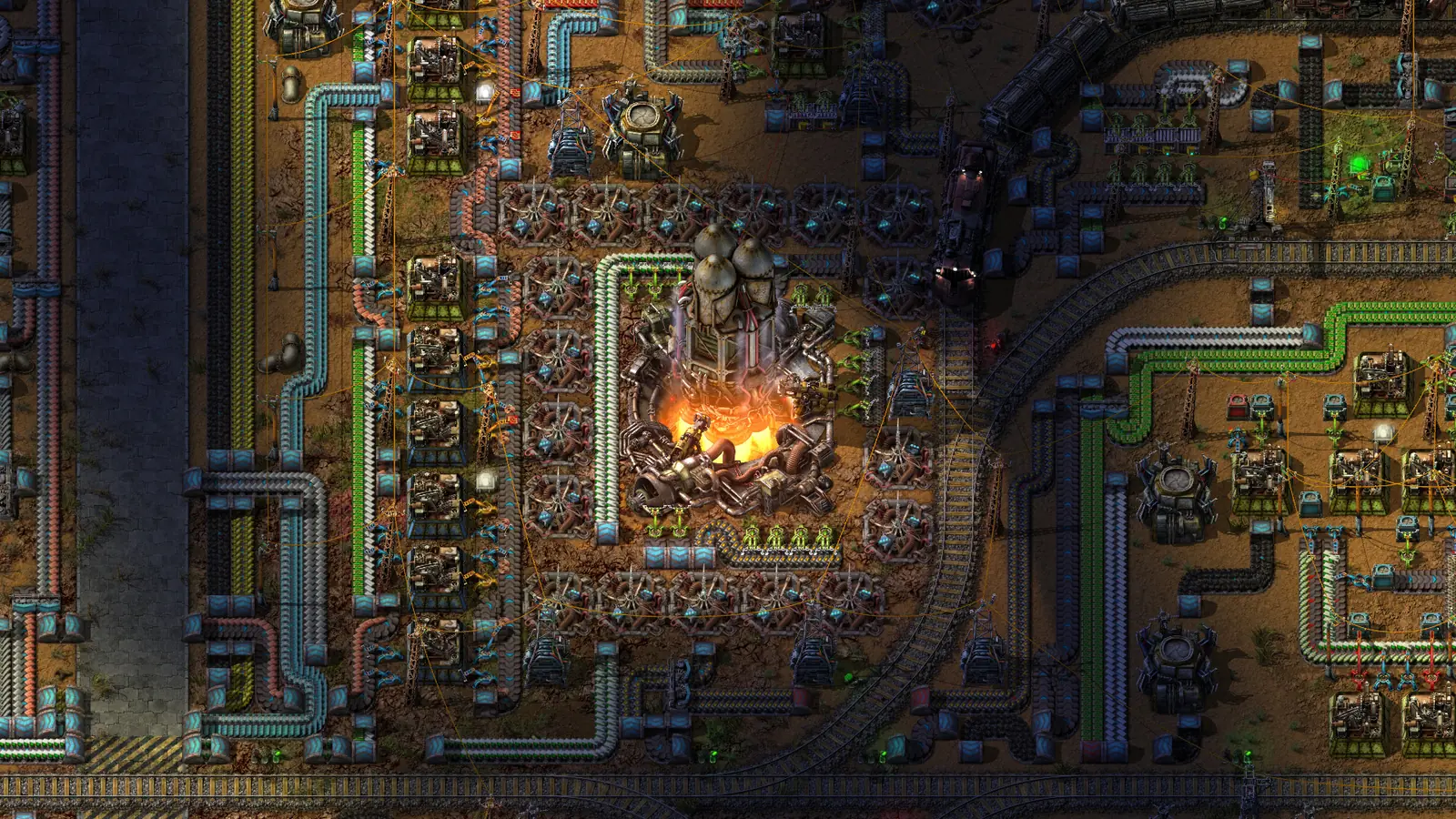
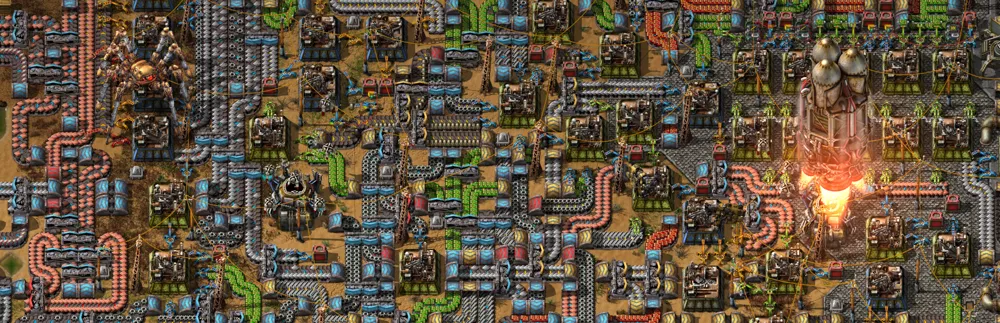
Factorio screenshots are Wube Software promotional material from the Factorio Steam store page. Factorio is a trademark of Wube Software Ltd. Zeros Host is not affiliated with or endorsed by Wube Software.
Server types
Base game, Space Age or modded.
Base game
DefaultFactorio exactly as Wube shipped it. Anyone who owns the game can join.
Space Age
The expansion with its planets, quality and elevated rails. Every player needs to own Space Age.
Modded (Mod Portal)
Community mods from the official Mod Portal, installed from the panel with the mods they need. Players are offered the same mod set when they join.
In the panel
Saves and mods, managed for you.
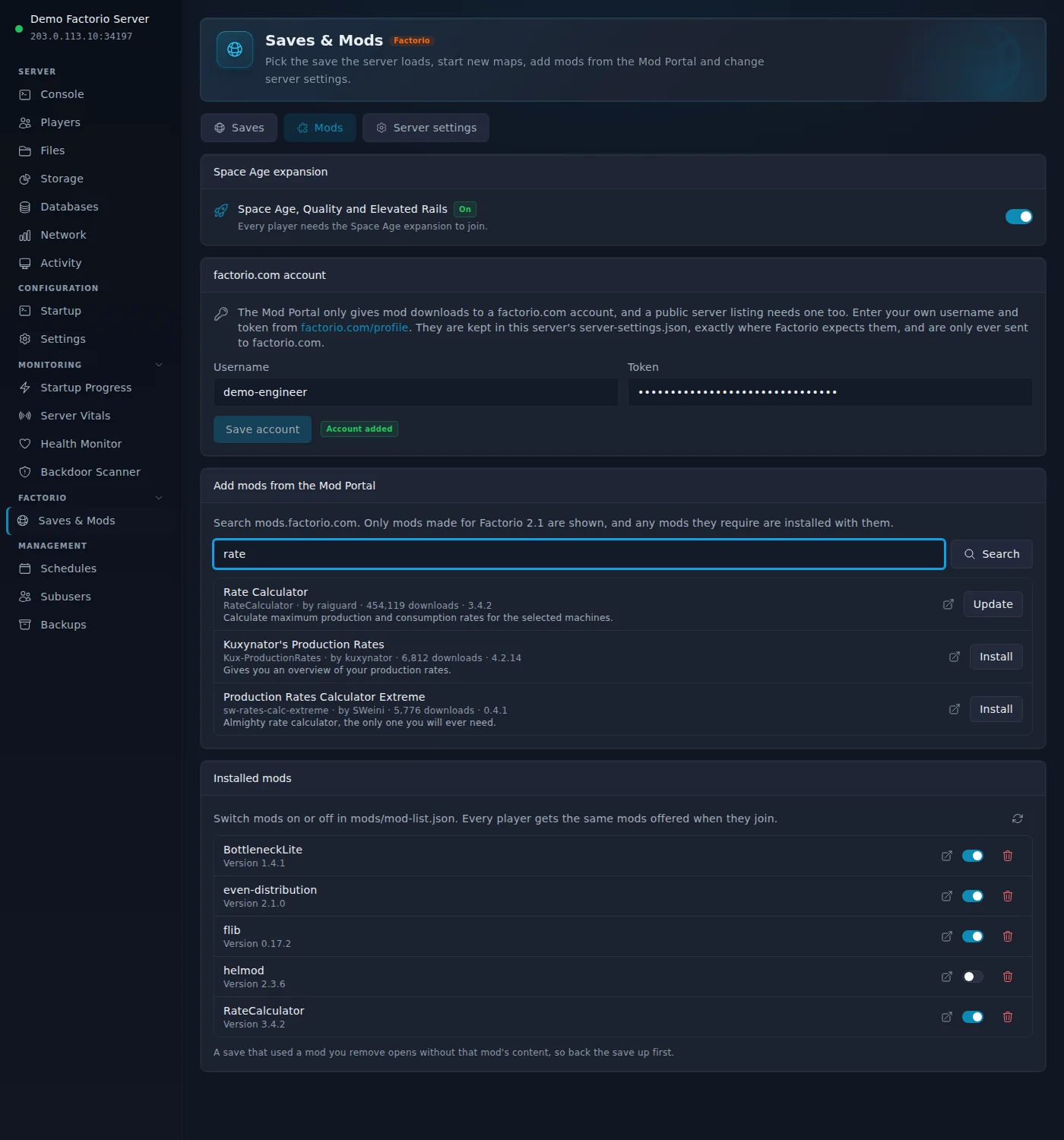
Every Factorio server comes with a Saves & Mods page. It does the jobs that usually mean digging through folders and JSON files, and it keeps a copy before anything that could change your factory.
Saves, not a file list
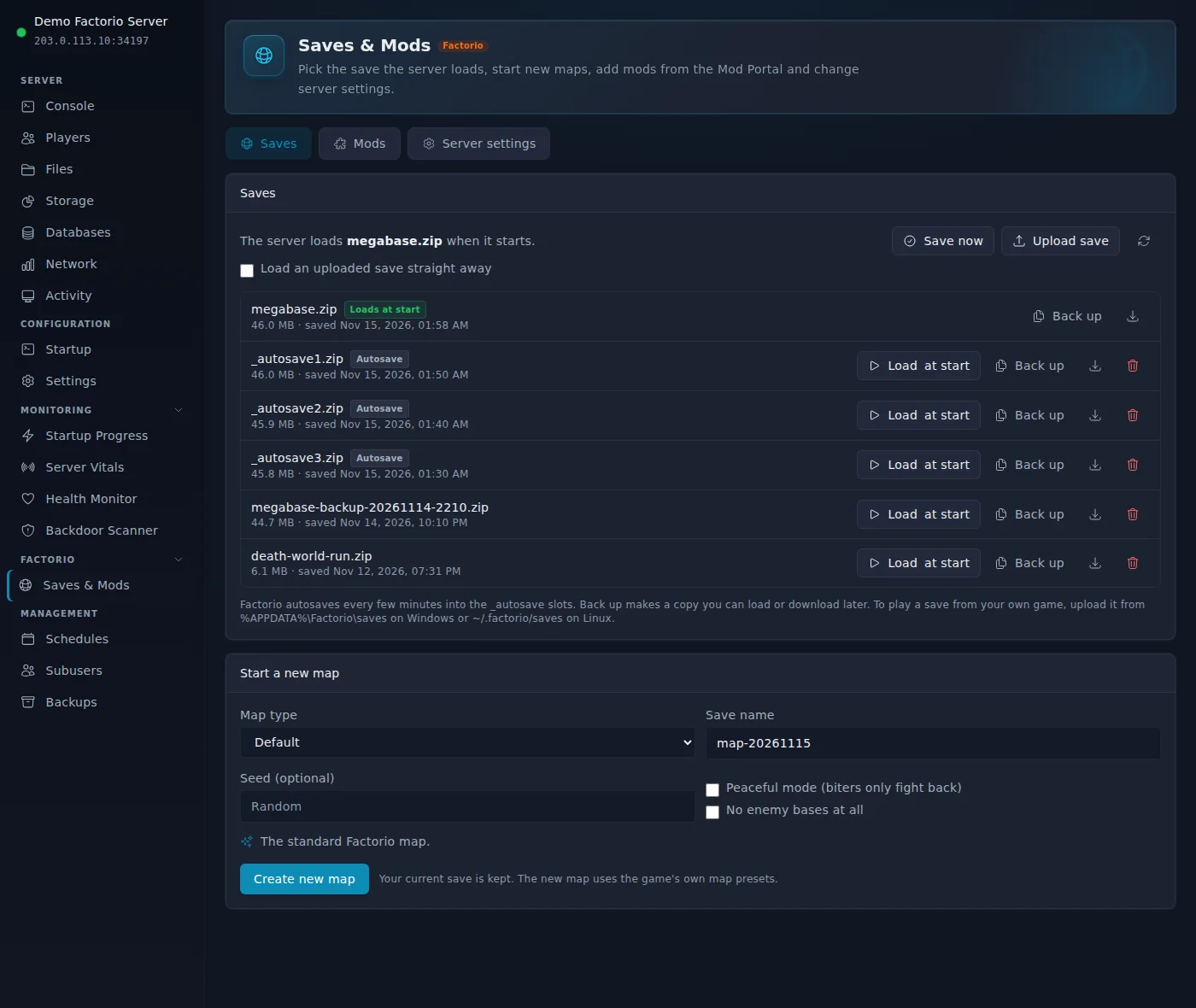
Every save with its size and when it was last saved, the one the server loads marked clearly. Load another save, back one up, download it or upload your own, in one click each. Autosaves load as a copy, so the next autosave never overwrites the game you went back to.
New maps from the game presets
Start a fresh map from Default, Rich resources, Marathon, Death world, Rail world, Ribbon world, Lakes or Island, with your own seed, peaceful mode or no enemy bases. Your current save stays in the list.
Mod Portal search and install
Search mods.factorio.com from the panel. Only mods made for the version your server runs are shown, and the mods they require are installed with them. Switch any mod on or off with a toggle.
Space Age with a safety copy
Switch the expansion on or off from the same page. A copy of your current save is kept first, because a save opened with the expansion changes for good.
How players join.
Your server address is on the panel console page as soon as the server is up.
In Factorio, choose Multiplayer, then Connect to address.
Enter your server address, then click Connect. Enter the game password if the server has one.
Factorio uses UDP on the port shown. Players need the same Factorio version as the server and, when Space Age is switched on, the Space Age expansion.
Before you set one up.
Facts about Factorio itself, worth knowing whoever you host with.
Any copy of the game works
Steam or the DRM-free version from factorio.com: both connect to a dedicated server the same way.
Light on memory
A fresh world idles at about 170 MB of memory on the base game and about 410 MB with Space Age. The memory you buy goes to your factory, not the server.
The factory keeps running
The server runs whether or not the person who set it up is online. Nobody has to leave a PC on to host.
Everyone matches the server
Players need the same Factorio version as the server, and the Space Age expansion when it is switched on. Factorio offers missing mods to players when they join.
A save is one file
A whole Factorio world is a single .zip in the saves folder, so moving a factory between your PC and a server is a simple upload or download.
Mods need a factorio.com account
The official Mod Portal only gives downloads to a signed-in factorio.com account. That is how Factorio works everywhere, not a limit of one host.
More games to host.
All features at every tier.
Every panel feature is included regardless of which plan you are on. We charge for server resources, not for access to tools.
Free Trial
Free
1 GB RAM · 48 hours
Starter
£5/mo
2 GB RAM · 10 GB storage
Standard
Popular£9/mo
4 GB RAM · 15 GB storage
Pro
£17/mo
8 GB RAM · 25 GB storage
Frequently asked questions
Something not covered here? Ask us directly.
Do players need Space Age to join?
Only if you switch Space Age on. Servers start on the base game, which anyone who owns Factorio can join. Switch Space Age on from the Saves & Mods page when everyone in your group owns the expansion; a copy of your current save is kept first.
Can I add mods?
Yes. Search the official Mod Portal on the Saves & Mods page and install a mod in one click, together with the mods it needs. The Mod Portal requires a factorio.com account for downloads, so you enter your own username and token once. When a player joins, Factorio offers to sync the same mods for them.
Can I bring my existing save?
Yes. Upload the save .zip on the Saves & Mods page and choose Load at start. Your saves are in %APPDATA%\Factorio\saves on Windows and ~/.factorio/saves on Linux.
Can I start a new map without losing my factory?
Yes. Start a new map from any of the game presets, such as Rail world or Death world, with your own seed if you like. Your current save stays in the list, so you can switch back at any time.
Does the server stay on the latest version?
Yes. The server checks for a new Factorio release every time it starts and updates itself, so players on the newest version can always join. You can switch automatic updates off on the Startup page.
How much RAM does my factory need?
2 GB runs a new world and a growing factory comfortably. Choose 4 GB for Space Age across several planets or a modded game, and 8 GB for megabases and large mod packs.
Is there a free trial?
Yes. Start a free 48-hour trial with a live Factorio server on the base game and 1 GB of RAM, with no credit card required. The server pauses when the trial ends and your factory is kept, so you can continue on a paid plan.
Where are the servers?
UK (London), Germany and Canada. You pick the region when you order.
Your factory, always running.
Free trial. No credit card required.
Start a free 48-hour trial with a live Factorio server, no card required. Paid plans from £5/mo, cancel any time.
Questions first? Join our Discord for help, updates and the community.