
Vintage Story Hosting
Your world, still there tomorrow.
A dedicated server keeps your settlement running when you log off, so your group can play on its own schedule. Choose the game version, add mods from the Mod DB in a click, and invite your friends by name from the panel.
UK, EU and Canada hosted. Full panel access.
What the panel gives you
Pick Your Version
Follow the newest stable release, stay on a release line such as 1.22 for patches only, or pin an exact version while your mods catch up. Older versions back to 1.20 work too.
Mod DB Mods in a Click
Search the Vintage Story Mod DB from the panel and add a mod. The server installs the release made for its version and adds the mods it needs. Players are offered missing mods when they join.
Whitelist and Roles
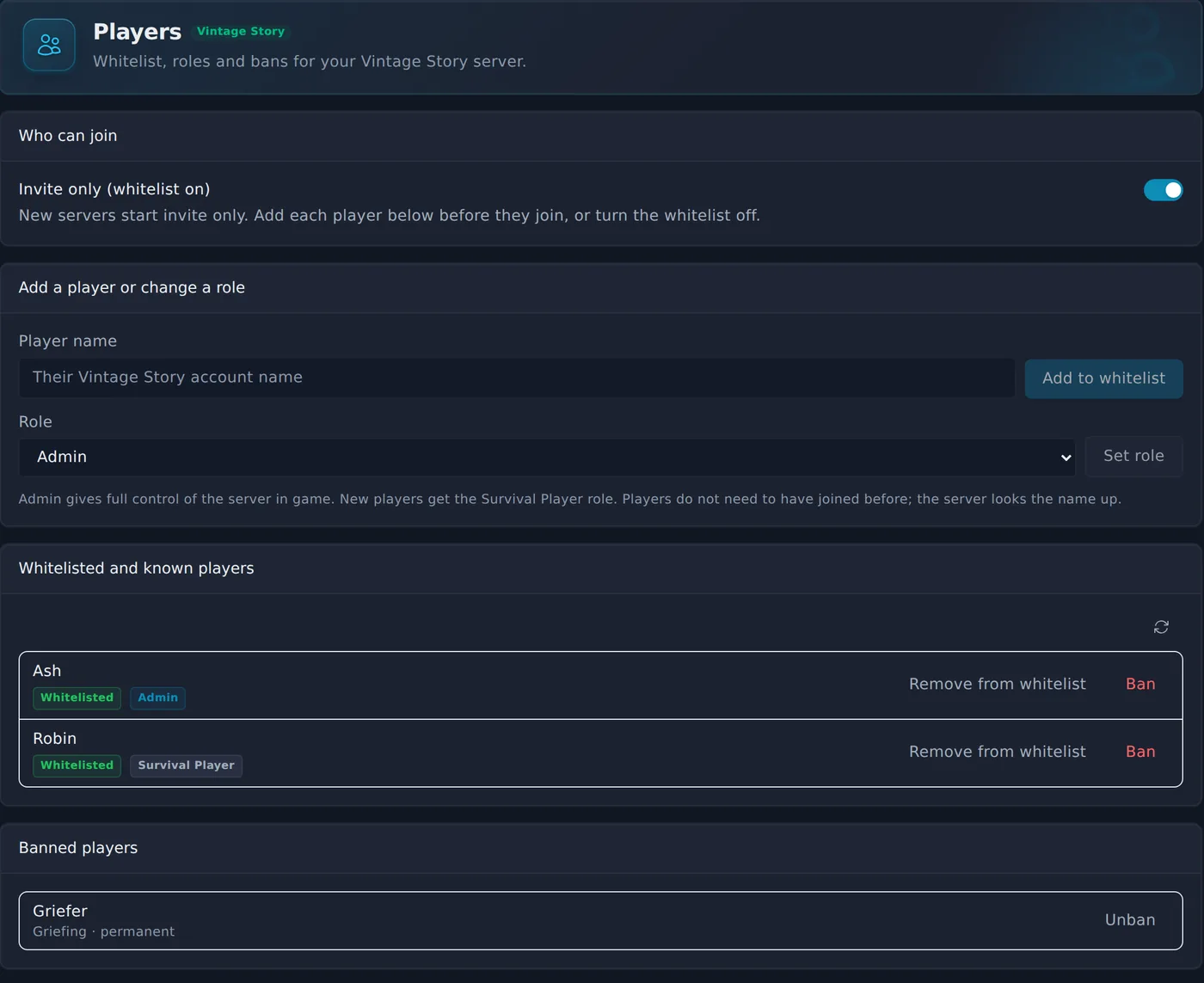
Add friends to the whitelist by name before they ever join, make someone an admin, set roles and handle bans from the Players page.
Server Settings
Edit serverconfig.json straight from the console page: server name, password, max players, public listing, roles and world settings.
Bring Your World
Upload a world from your own PC or another host to the Saves folder and start. Your worlds, mods and players stay put through restarts and reinstalls.
Backups
Back up from the panel on a schedule or on demand. Before every game version change the server also keeps a copy of your world.
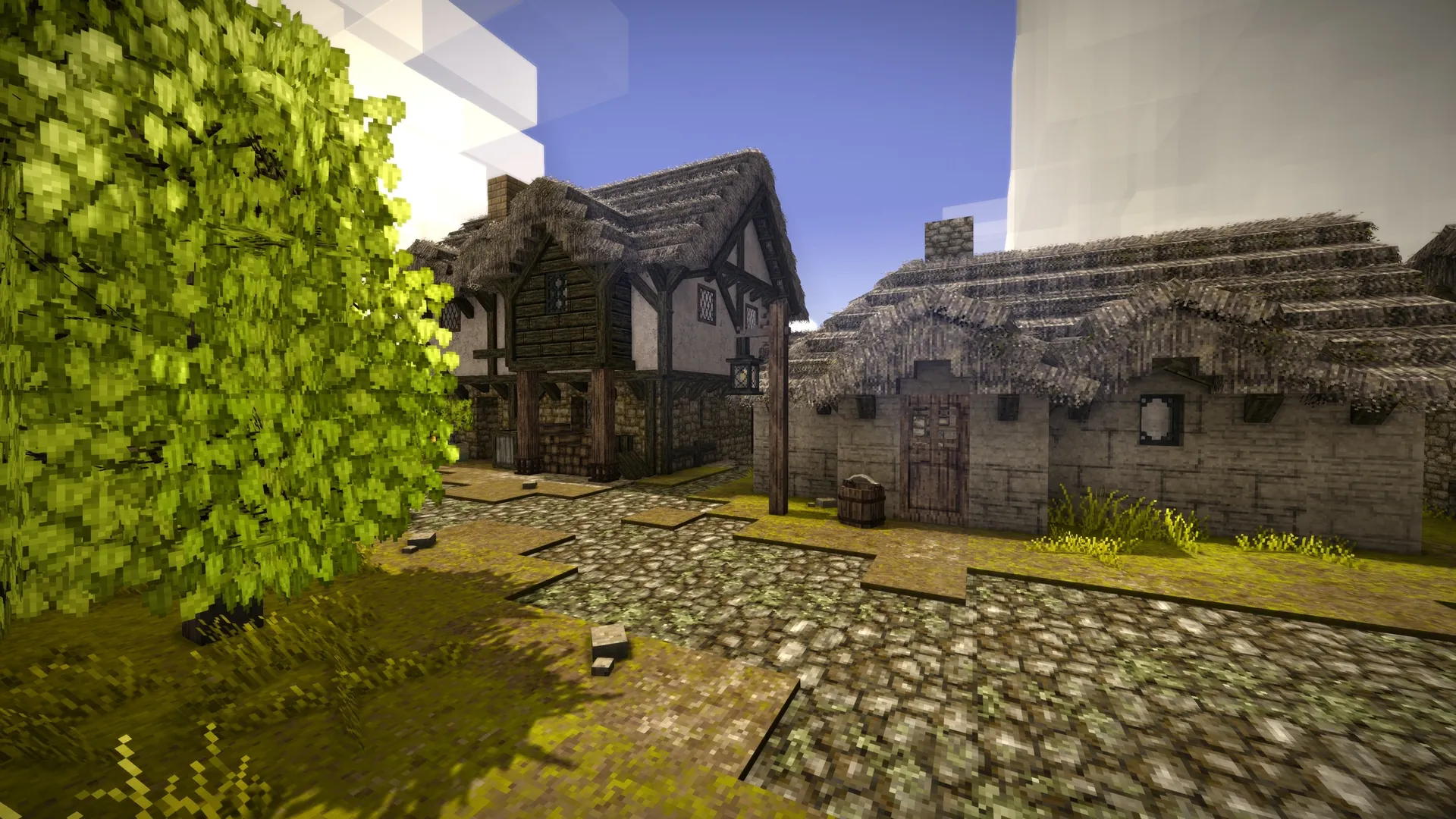
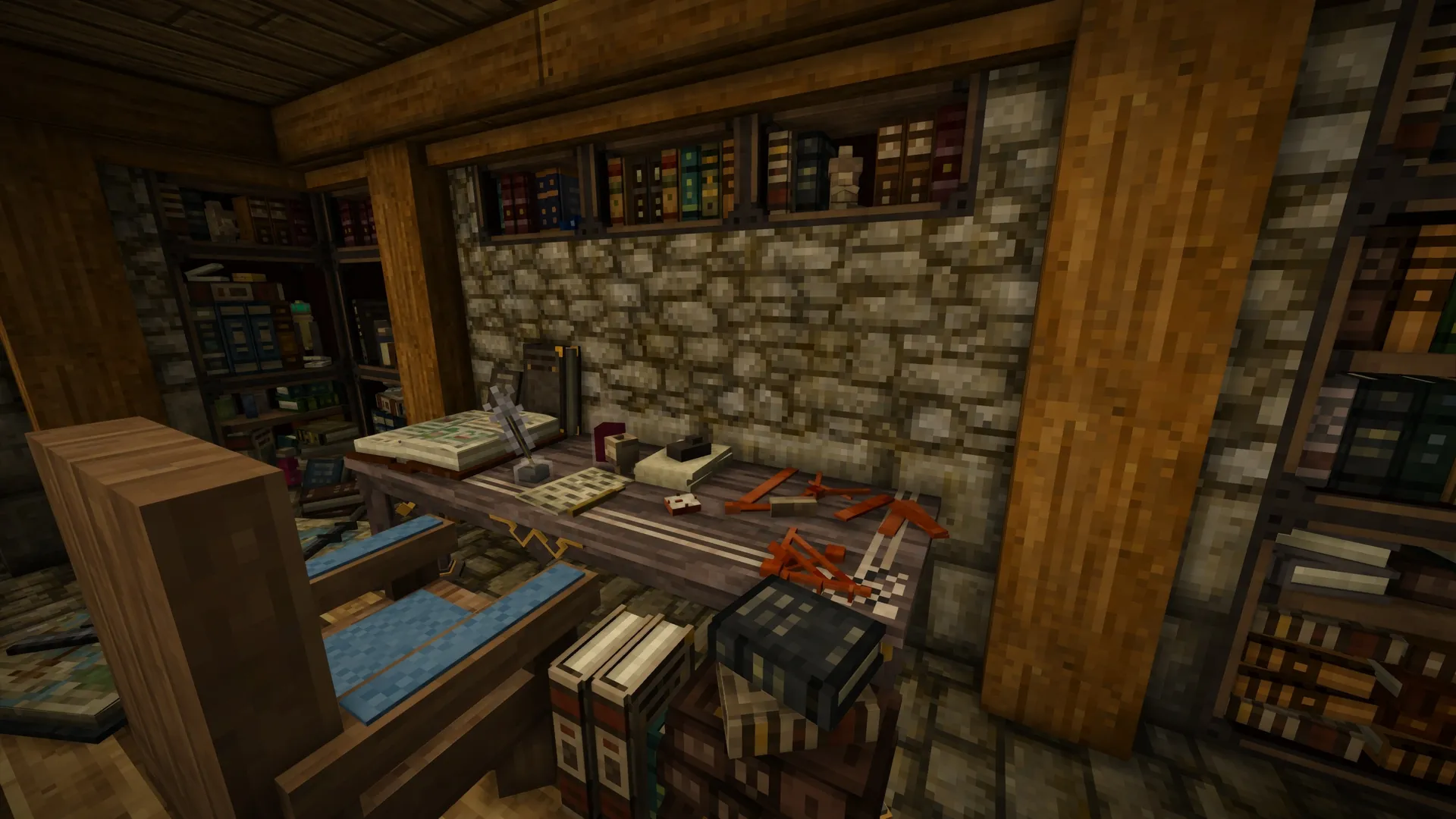
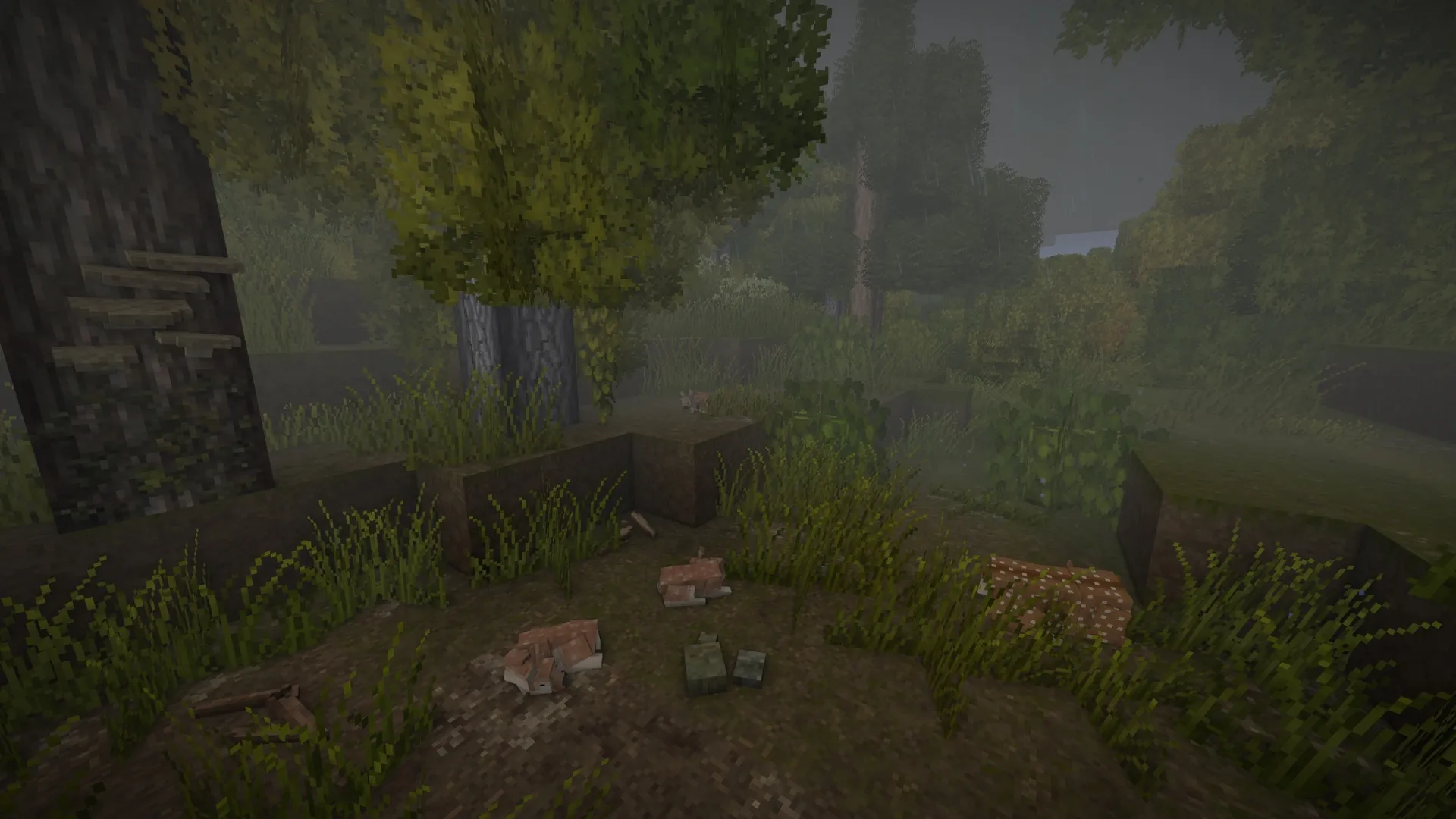
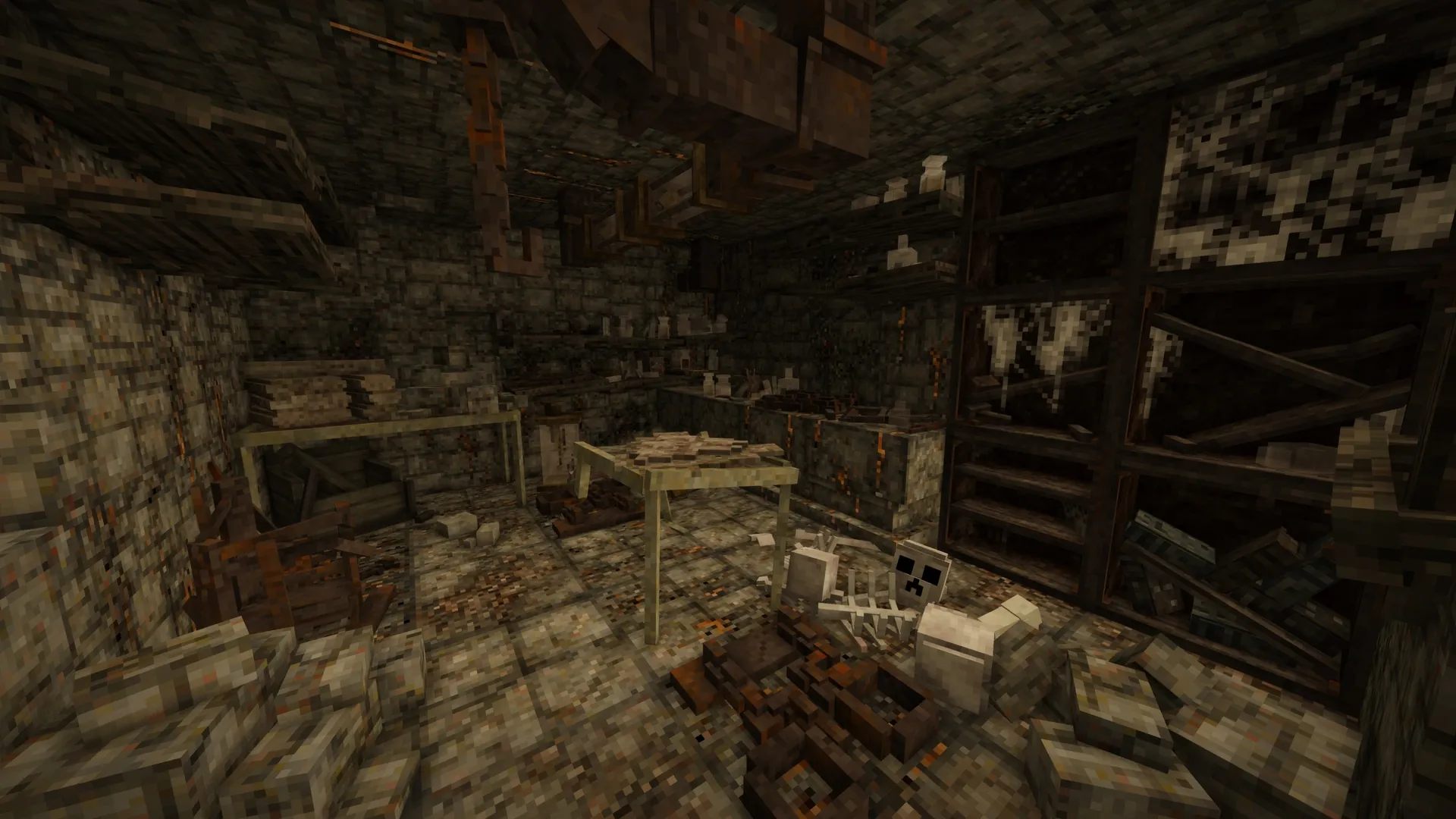
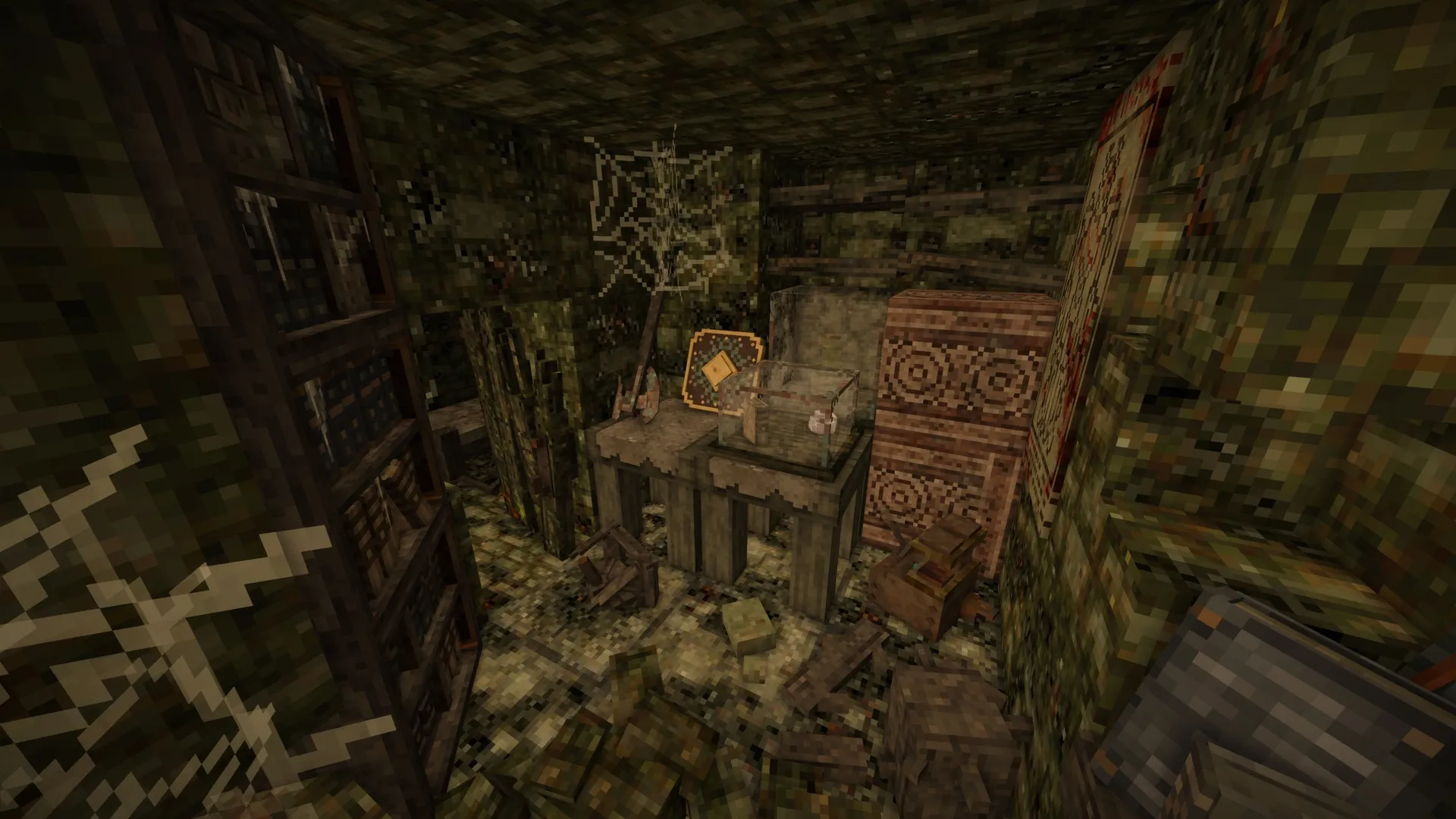
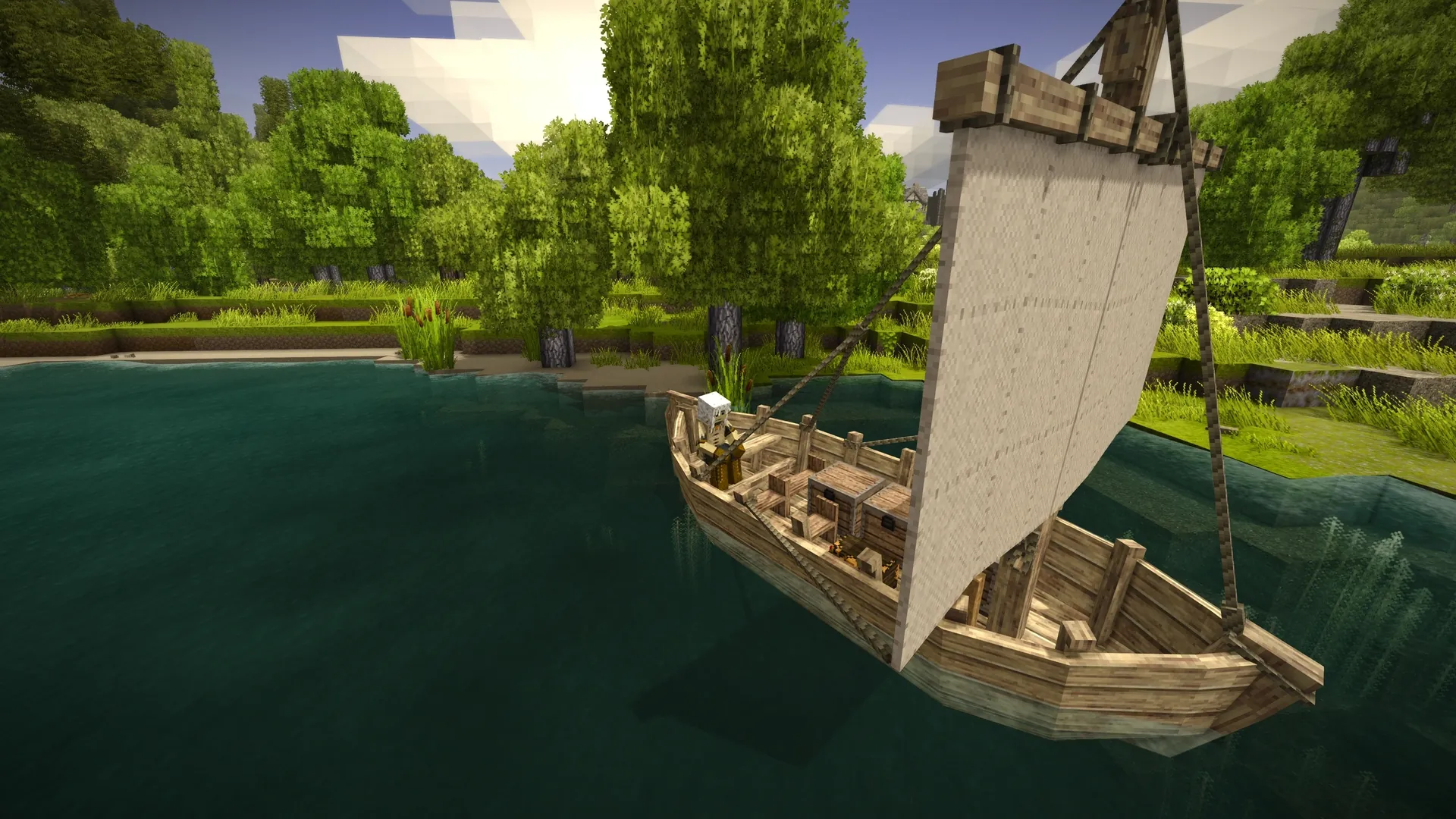
Zeros Host is an independent hosting provider, not affiliated with or endorsed by Anego Studios. Vintage Story is a game by Anego Studios, named here only to describe what our servers run. Vintage Story screenshots and logo on this page are official Anego Studios material from vintagestory.at.
Server types
Vanilla, modded or pinned.
Vanilla
DefaultVintage Story as Anego ships it, on the newest stable release. Anyone with an up to date game can join.
Modded (Mod DB)
Any mix of mods from the official Mod DB, matched to your game version. Players get the same mods offered when they join.
Pinned version
Hold the server on an exact version, for example while a big mod pack catches up with a new release.
In the panel
Versions, mods and players without the console.
Two pages built for Vintage Story: one for the game version and your mods, one for who can join and what they can do.
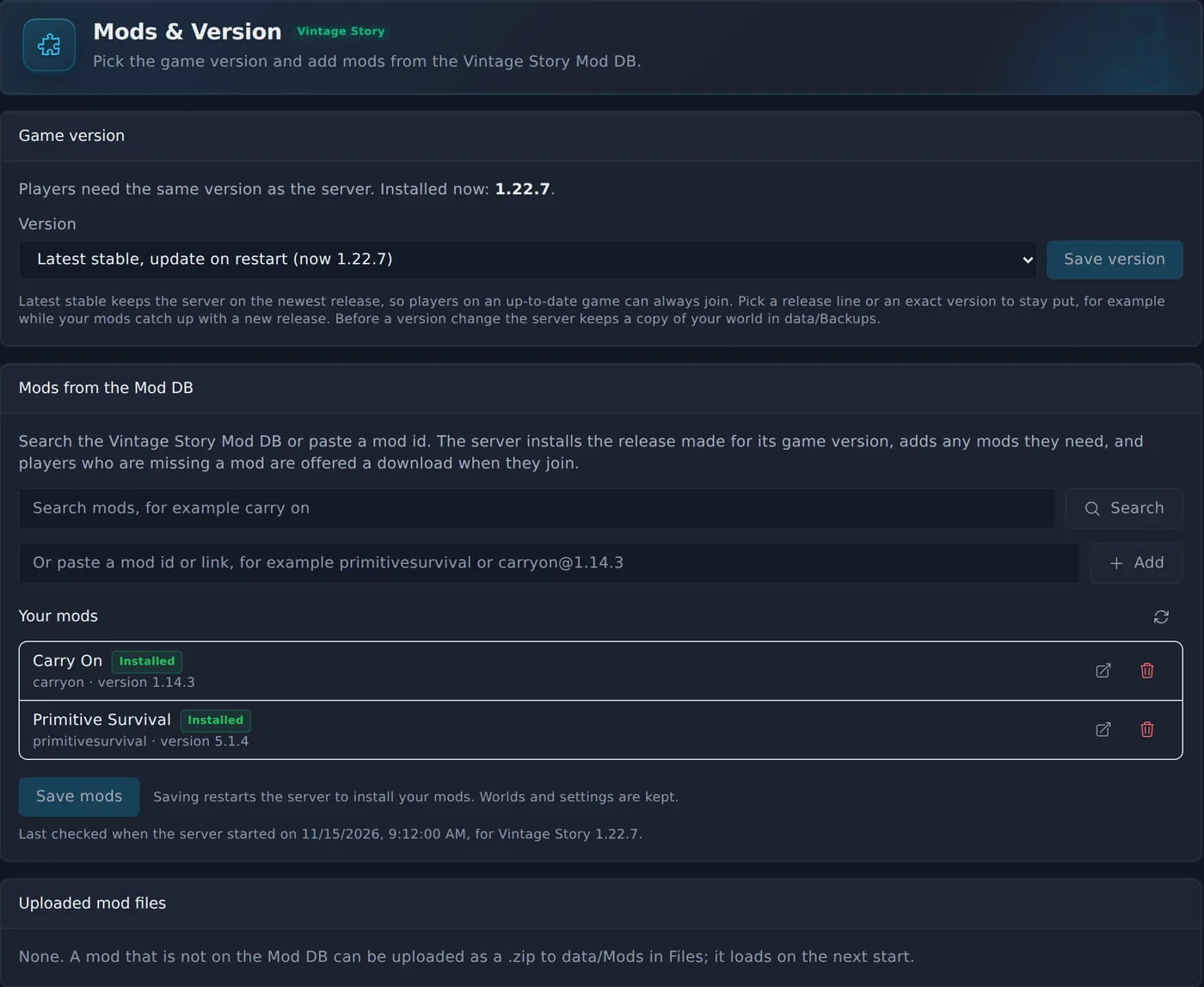
Mods & Version
Players
- Follow the newest stable release, stay on a release line, or pin an exact version.
- Search the Mod DB or paste a mod id. The server installs the release made for its version and adds the mods it needs.
- See each mod with its installed version, and anything you uploaded yourself.
- Turn the whitelist on or off, and add friends by name before they ever join.
- Give players a role such as Admin, ban and unban from the same page.
Up and running in three steps.
- 1
Pick a plan and a region
Choose UK, Germany or Canada. Your server installs Vintage Story and generates a world on its first start.
- 2
Invite your friends
New servers are invite only. Add each friend by their Vintage Story account name on the Players page, or turn the whitelist off.
- 3
Join from the game
Copy the address from your server page. In Vintage Story open Multiplayer, add the server with that address and join.
Before you set one up.
Every player needs their own account
Vintage Story checks each player against their own game account when they join. The server itself needs no account of yours.
Versions must match
Players join a server on the same version as their game. Pick the version on the Mods & Version page; by default the server follows the newest stable release.
Invite only out of the box
New servers only let in players on the whitelist. Add your friends by name on the Players page, or open the server to anyone with the address.
You might also host
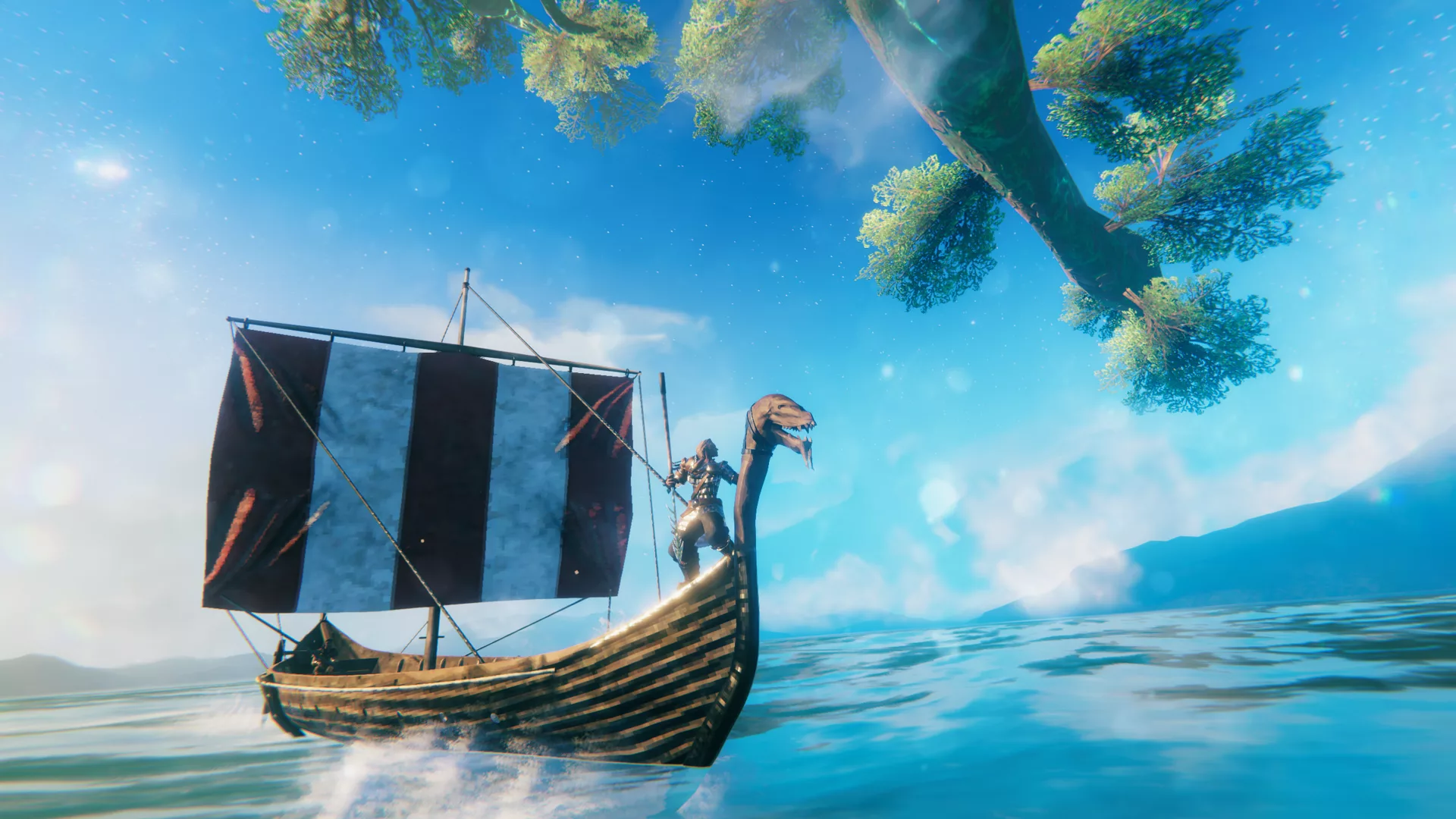
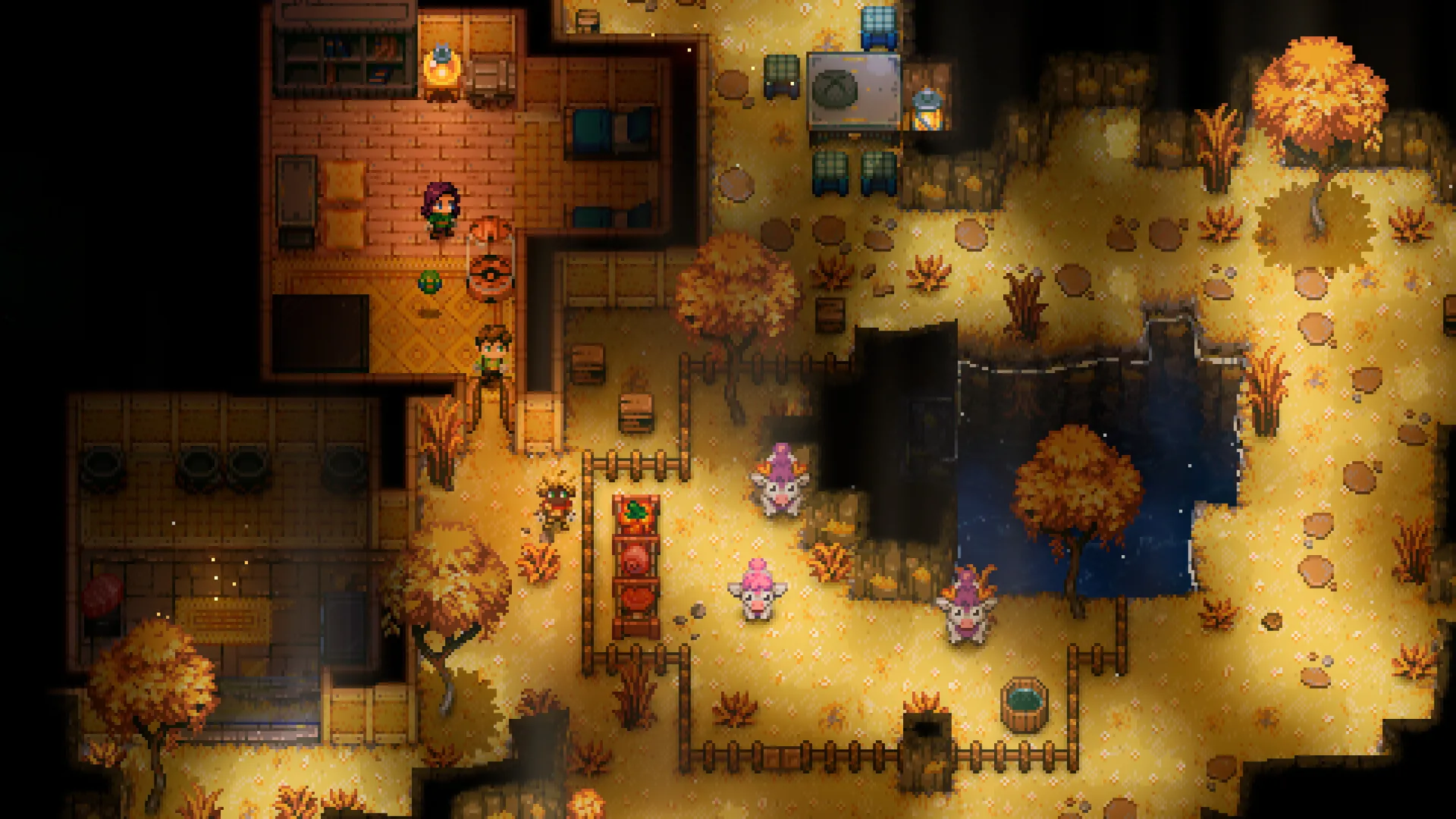
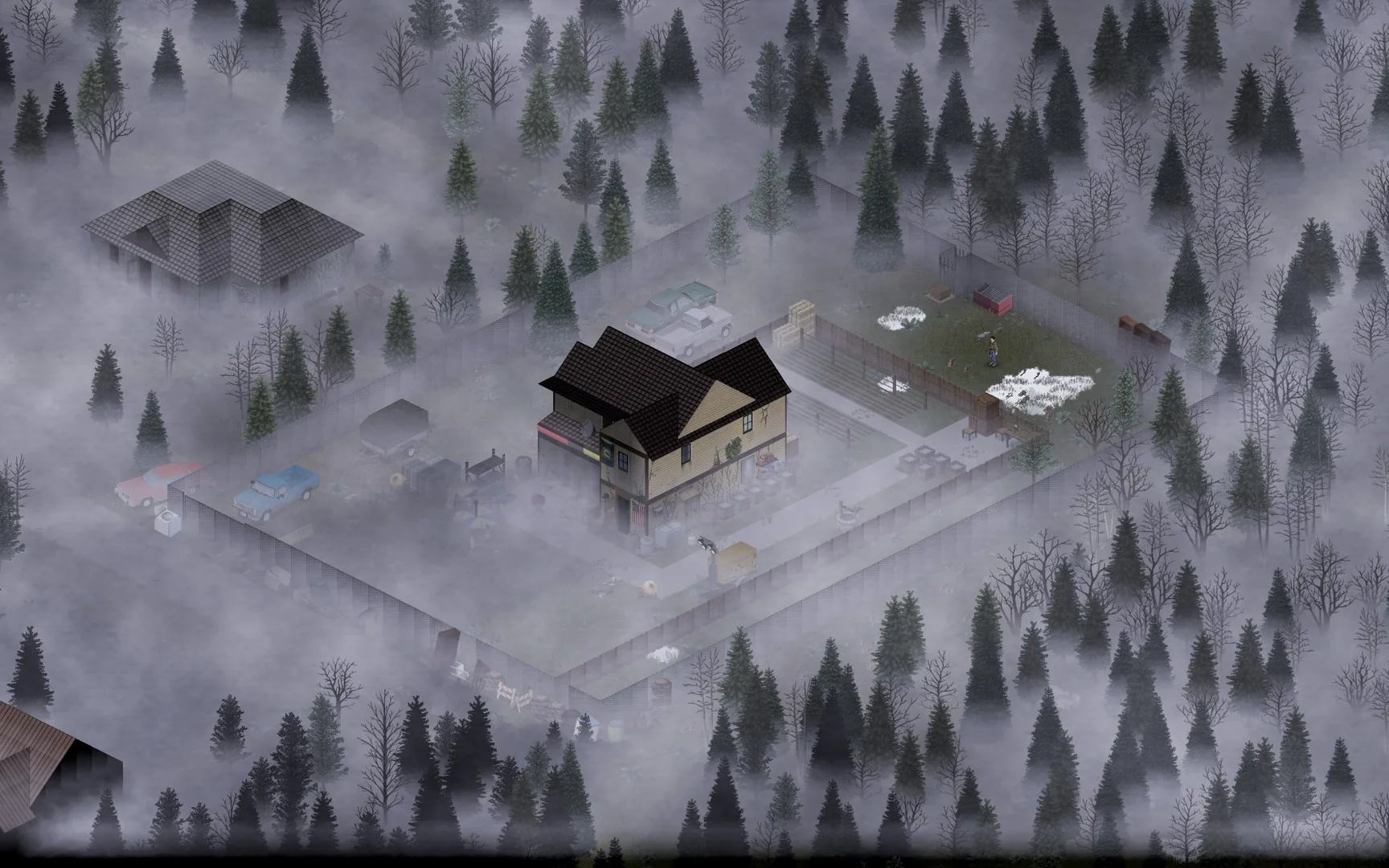
All features at every tier.
Every panel feature is included regardless of which plan you are on. We charge for server resources, not for access to tools.
Free Trial
Free
2 GB RAM · 48 hours
Starter
£9/mo
4 GB RAM · 10 GB storage
Standard
Popular£13/mo
6 GB RAM · 15 GB storage
Pro
£17/mo
8 GB RAM · 20 GB storage
Frequently asked questions
Something not covered here? Ask us directly.
How do I add mods?
Open the Mods & Version page, search the Mod DB or paste a mod id, and save. The server installs the release of each mod made for its game version, adds any mods those need, and players who are missing a mod are offered a download when they join. Mods that are not on the Mod DB can be uploaded to the Mods folder.
Can I choose the game version?
Yes. Follow the newest stable release (the default, updated on restart), stay on a release line such as 1.22 for patches only, or pin an exact version. Before a version change the server keeps a copy of your world.
Why can my friend not join?
New servers are invite only. Add your friend by their Vintage Story account name on the Players page, or turn the whitelist off there. Also check that their game is on the same version as the server.
Can I bring my existing world?
Yes. Stop the server, upload your world file to the Saves folder with the name default.vcdbs and start it again. Use the same game version and mods the world was made with.
How much RAM do I need?
Anego recommends 1 GB plus about 300 MB per player. 4 GB suits a group of up to about 8 players, 6 GB a bigger group or a modded game, and 8 GB large mod packs or 15 or more players.
Is there a free trial?
Yes. Start a free 48-hour trial with a live Vintage Story server and 2 GB of RAM, with no credit card required. Trial servers start open, so you and your friends can join straight away with the address on your dashboard. The server pauses when the trial ends and your world is kept.
Where are the servers?
UK (London), Germany and Canada. You pick the region when you order.
Your world, still there tomorrow.
Free trial. No credit card required.
Start a free 48-hour trial with a live Vintage Story server, no card required. Paid plans from £9/mo, cancel any time.
Questions first? Join our Discord for help, updates and the community.