

Minecraft Bedrock Hosting
Your Bedrock world, always online.
A dedicated Bedrock server for friends on Windows, phones and tablets. It stays online when you log off, updates itself to the newest Bedrock release, and takes your own worlds and add-ons.
UK, EU and Canada hosted. Full panel access.
What the panel gives you
Always the Latest Version
The server updates itself to the newest Bedrock release every time it starts, so players whose game just updated can still join.
Bring Your World
Export a world from Minecraft as a .mcworld and upload it on the Players & Worlds page. Make it active with one click and your builds carry straight over.
One-Upload Add-ons
Upload a .mcpack or .mcaddon and it is installed and switched on for your world. Turn each pack on or off whenever you like.
Allow-list and Operators
Limit the server to your friends by gamertag, make trusted players operators by name and kick anyone causing trouble, all from the panel.
Backups Without Downtime
Back up a world while players keep playing, download it as a .mcworld, or restore it as a new world if a bad command wrecks something.
Simple Settings
Server name, game mode, difficulty, cheats and max players are on the Startup page. Everything else is one click away in server.properties.
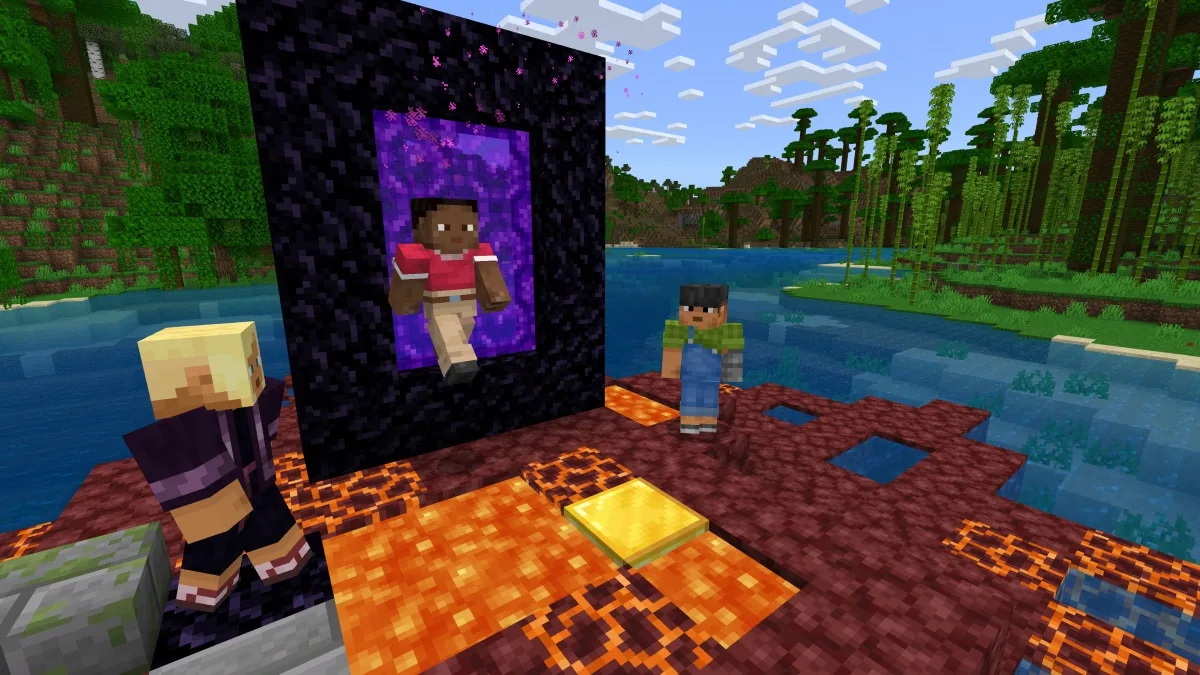
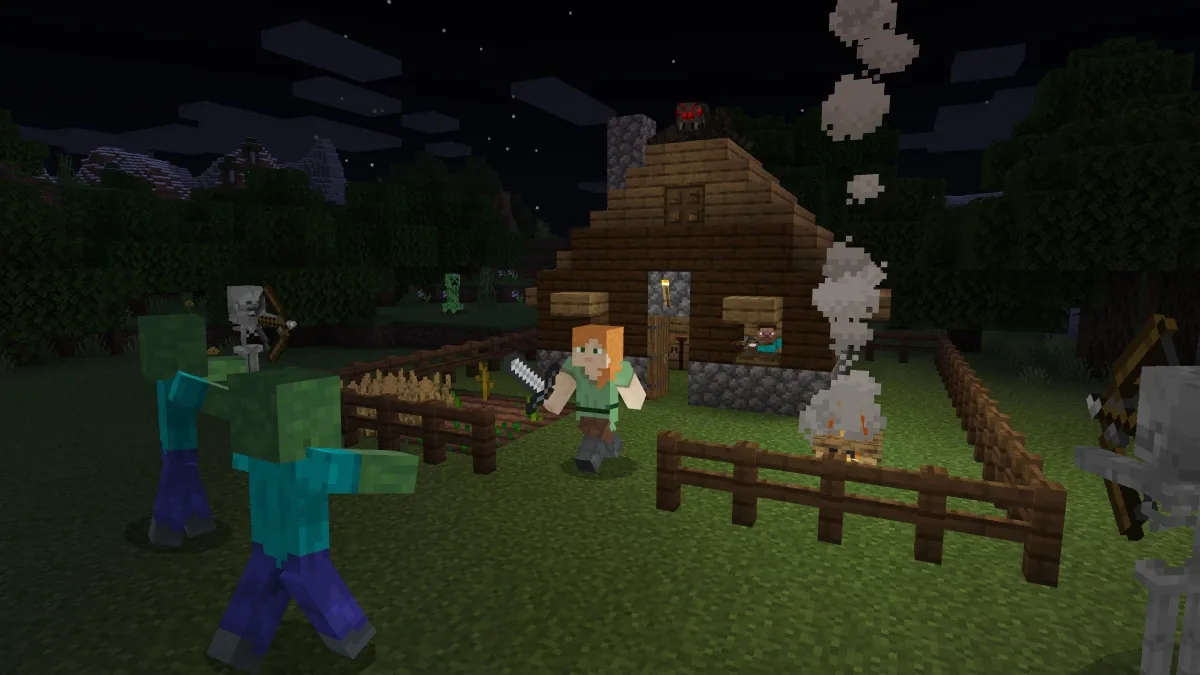
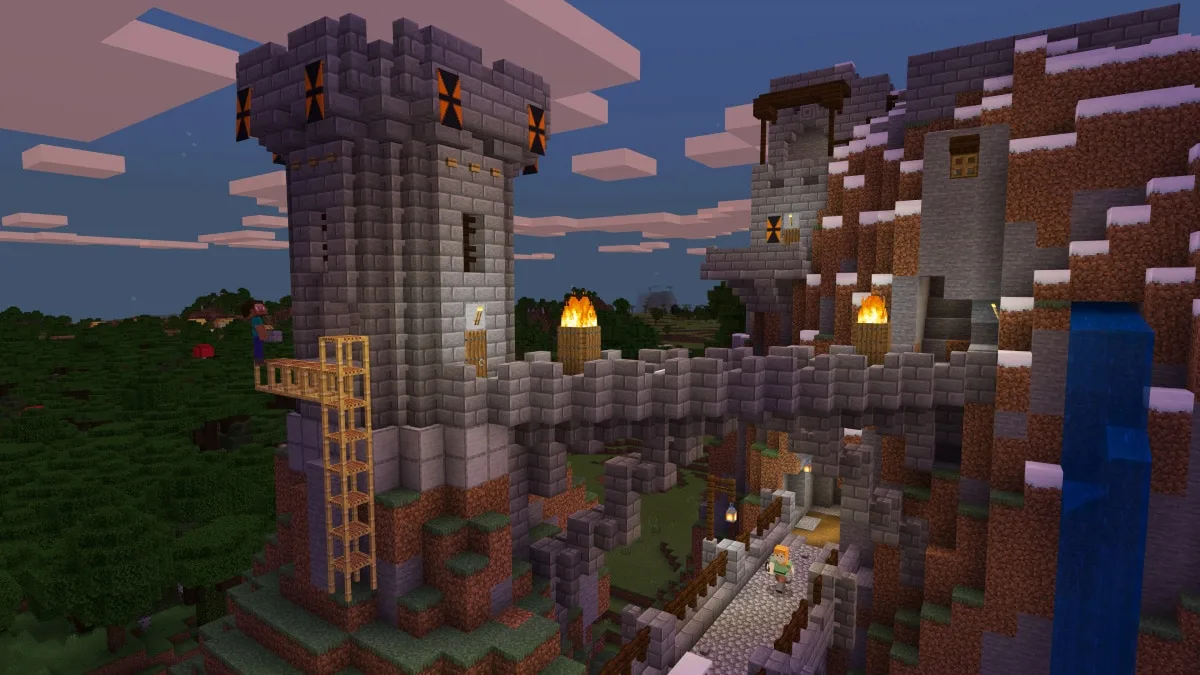
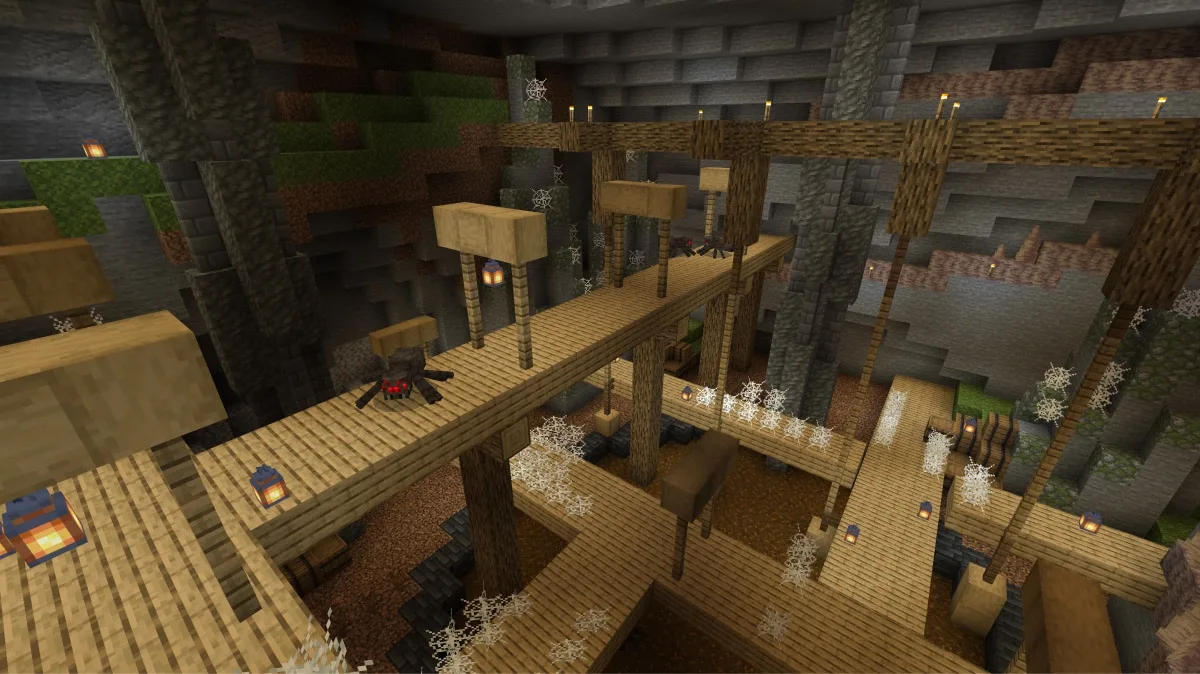
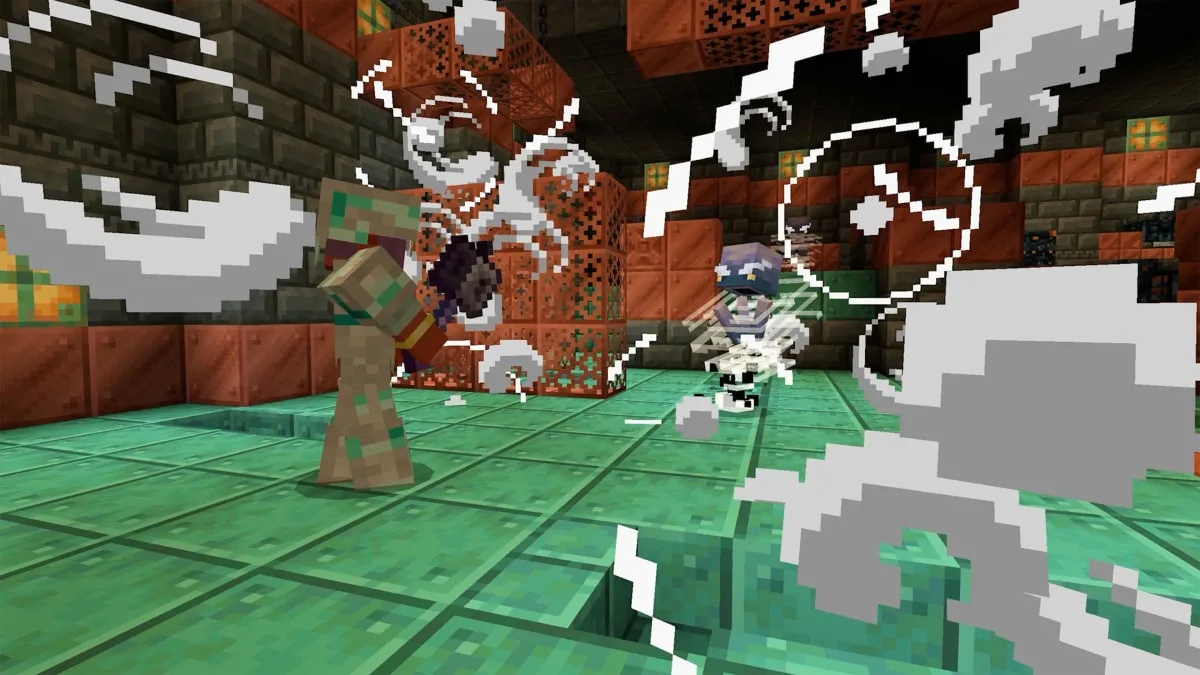
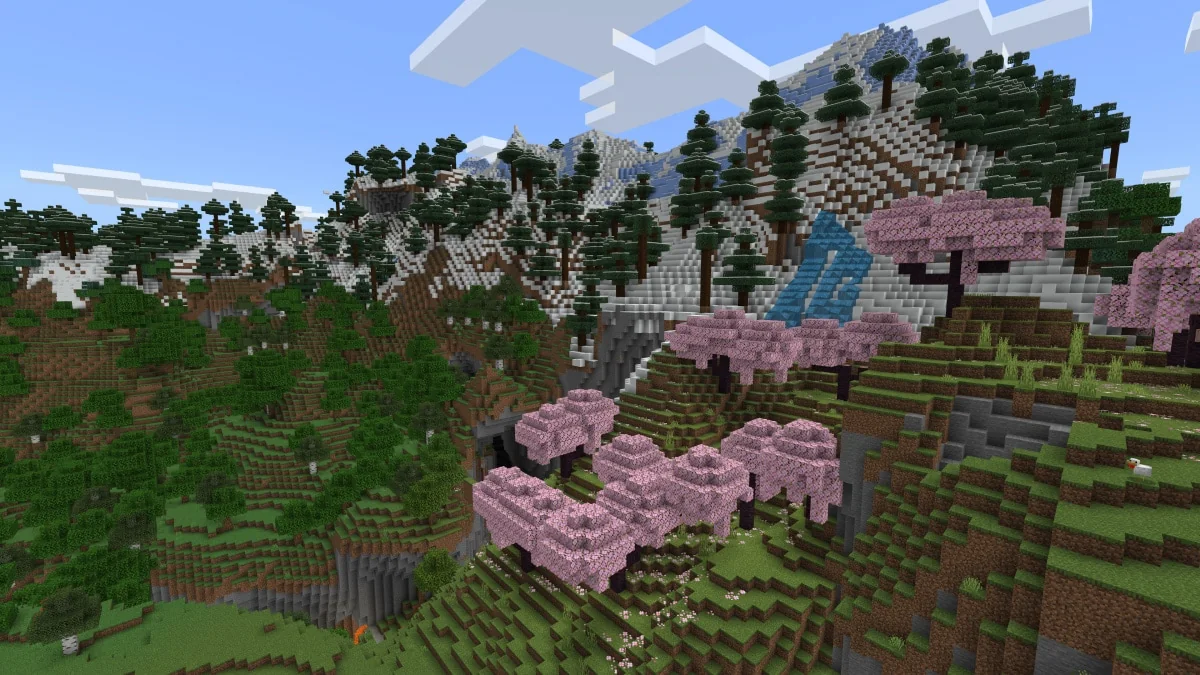
NOT AN OFFICIAL MINECRAFT PRODUCT. NOT APPROVED BY OR ASSOCIATED WITH MOJANG OR MICROSOFT. Screenshots and logo are official Mojang material from minecraft.net, shown to identify the game.
Bedrock or Java?
Pick the server that matches how your group plays.
Minecraft Bedrock
This pageEveryone plays Bedrock Edition on Windows, Android or iOS. Native Bedrock gameplay, Bedrock add-ons and worlds you export from the game.
Minecraft Java
Everyone plays Java Edition, or you want Paper plugins. Our Minecraft Java servers have a plugin manager, live maps and a version picker.
Java with crossplay
A mixed group. A Java server with the free Geyser and Floodgate plugins lets Bedrock players join the same world.
Players & Worlds, in your panel
No JSON files. No FTP. Just your players and your worlds.
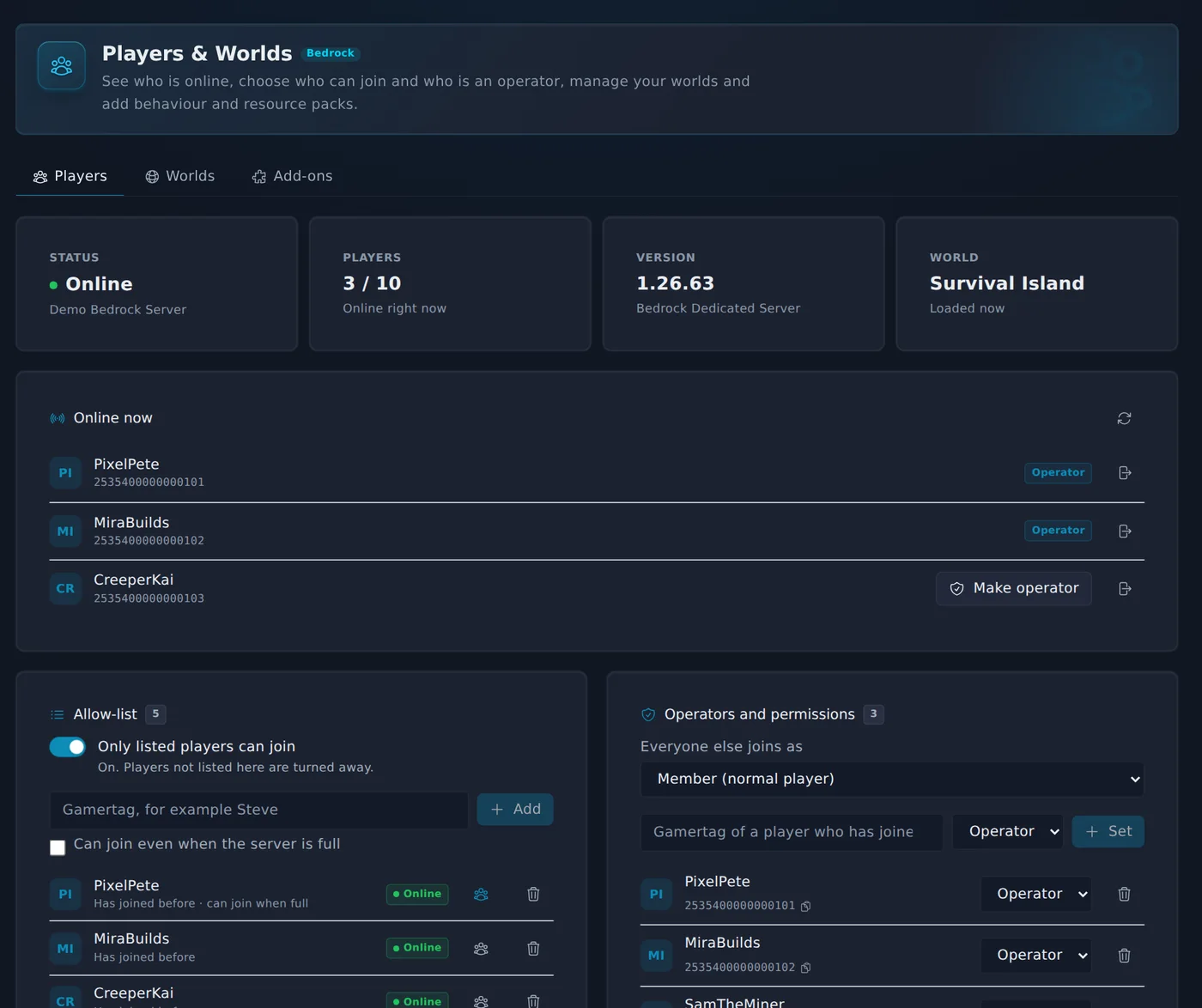
Bedrock keeps its allow-list, operators, worlds and add-ons in files most hosts leave you to edit by hand. Every Zeros Host Bedrock server has a page that does it for you.
See who is online and decide who gets in.
- Live player count, version and loaded world at a glance
- Allow-list by gamertag, with one switch to turn it on
- Make a player an operator by name, no XUID hunting
- Kick from the panel with a reason they will see
From order to playing in minutes.
Pick a plan and a region (UK, Germany or Canada). Your server is set up and online in about a minute.
In Minecraft, choose Play, then the Servers tab, then Add Server.
Enter the address shown at the top of your panel: the part before the colon goes in Server Address and the number after it goes in Port. Save, then join.
Invite your friends with the same address. Use the allow-list if only they should get in.
Minecraft Bedrock Edition on Windows, Android and iOS. Players need the same Minecraft version as the server and sign in with a Microsoft account. Xbox, PlayStation and Nintendo Switch have no Add Server button, so console players cannot join by address from the game menu.
Play on our official server.
Our own survival server runs on the same hosting you get, with Java and Bedrock players in one world. Land claims keep your builds safe.
- Java Edition
- play.zerosrp.co.uk
- Bedrock Edition (Windows, Android, iOS)
- play.zerosrp.co.uk port 19132
Before you set one up.
Windows, phones and tablets
Players on Windows, Android and iOS add the server by address. Minecraft on Xbox, PlayStation and Nintendo Switch has no Add Server button, so console players cannot join by address from the game menu.
Same version as your players
Bedrock players update automatically, so the server does too: it moves to the newest Bedrock release every time it starts.
Light on memory
A fresh world idles at about 200 MB of memory. The memory you buy goes to your players and your world, not the server.
Playing Java Edition, or a mix of both? See Minecraft Java hosting.
Your group plays more than one game?
Minecraft Java hosting
Paper plugins, live maps and a version picker. Add Geyser for Bedrock crossplay.
Terraria hosting
Vanilla or tModLoader worlds for your group, with a world manager.
Valheim hosting
Viking survival with world backups and admin lists in the panel.
Core Keeper hosting
Dig, build and farm underground together, on a server that stays online.
Every plan includes scheduled backups and the full Zeros Host panel.
All features at every tier.
Every panel feature is included regardless of which plan you are on. We charge for server resources, not for access to tools.
Free Trial
Free
1 GB RAM · 48 hours
Starter
£5/mo
2 GB RAM · 5 GB storage
Standard
Popular£9/mo
4 GB RAM · 10 GB storage
Pro
£13/mo
6 GB RAM · 15 GB storage
Frequently asked questions
Something not covered here? Ask us directly.
Should I choose Bedrock or Java?
Choose Bedrock when everyone in your group plays Minecraft on Windows, Android or iOS and you want Bedrock add-ons and worlds. Choose Java when your group plays Java Edition or you want Paper plugins. For a mixed group, a Java server with the Geyser and Floodgate plugins lets Bedrock players join too.
Can players on Xbox, PlayStation or Switch join?
Not from the game menu. Minecraft on consoles only lists featured servers and has no Add Server button, so console players cannot type in a server address. Players on Windows, Android and iOS join by address.
Can I upload my existing world?
Yes. Export the world from Minecraft as a .mcworld file, open Players & Worlds in your panel and upload it on the Worlds tab. Tick "Make it the active world" and restart the server. You can download any world as a .mcworld the same way.
Can I use add-ons?
Yes. Upload a .mcpack or .mcaddon on the Add-ons tab of Players & Worlds. Its behaviour and resource packs are installed and turned on for your world, and a restart loads them. A world you export from Minecraft with add-ons already applied brings them along.
How do I make someone an operator?
Open Players & Worlds. Anyone who has joined your server once is listed by gamertag, so you can pick them and choose Operator, Member or Visitor. You can also choose the level everyone else joins with.
Can I ban a player?
Bedrock servers have no ban list. Turn on the allow-list and only the gamertags you add can join. Removing someone who is online also kicks them straight away.
Does the server stay on the latest version?
Yes. The server checks for a new Bedrock release every time it starts and updates itself, keeping your worlds and settings. If players see "Outdated server" after a Minecraft update, restart the server.
How much RAM do I need?
2 GB suits a group of friends on a new world. Choose 4 GB for bigger groups or worlds with add-ons, and 6 GB for large, busy worlds with many players.
Is there a free trial?
Yes. Start a free 48-hour trial with a live Bedrock server and 1 GB of RAM, with no credit card required. Pick Survival or Creative when you start it. The server pauses when the trial ends and your world is kept.
Where are the servers?
UK (London), Germany and Canada. You pick the region when you order.
Your Bedrock world, always online.
Free trial. No credit card required.
Start a free 48-hour trial with a live Bedrock server, no card required. Paid plans from £5/mo, cancel any time.
Questions first? Join our Discord for help, updates and the community.