

Left 4 Dead 2 Hosting
A server for your group, ready when the horde is.
A dedicated Left 4 Dead 2 server that is up whenever your group is. Co-op, versus or realism, the official campaigns or custom ones from the Workshop, and SourceMod for the extras.
UK, EU and Canada hosted. Full panel access.
What the panel gives you
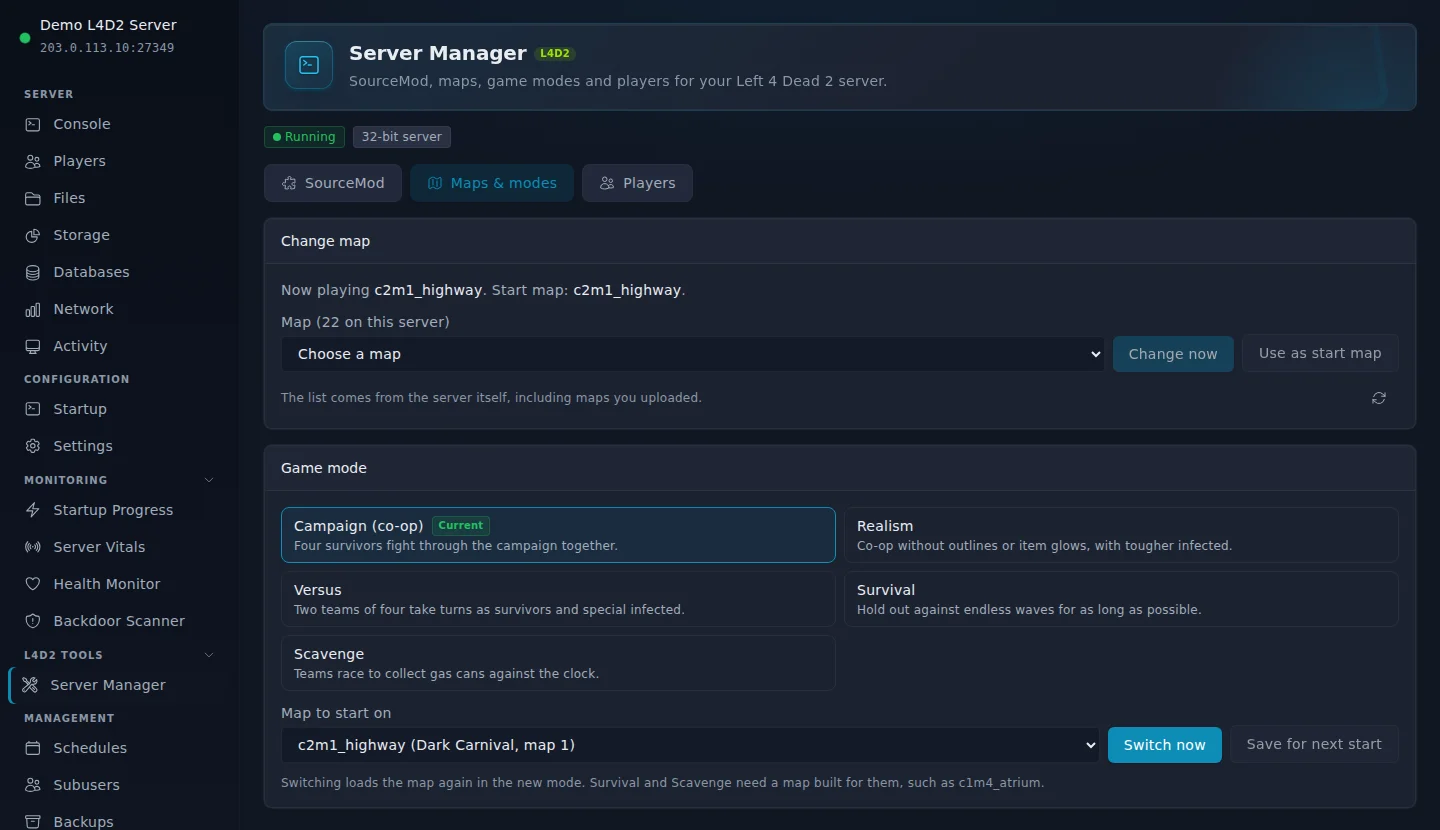
Switch Modes in One Click
Campaign, realism, versus, survival or scavenge. Pick the mode and the map in Server Manager and switch now, or save it for the next start.
Custom Campaigns
Upload campaign and addon .vpk files to the addons folder and start them with one console command.
Steam Group Servers
Add your Steam group ID in server.cfg so members find the server in the game, or keep it for members only.
Updates Itself
The server checks for a Left 4 Dead 2 update every time it starts, so players on the newest version can always join.
Quick Config Editing
server.cfg and the join message open straight from the Console page. Set difficulty, password and voting there.
One-Click SourceMod
Install or update Metamod:Source and SourceMod from the official stable builds in one click, then see the live player list with kicks and bans.
Live Console
Change map, switch campaign and run any server command from the browser, no RCON client needed.
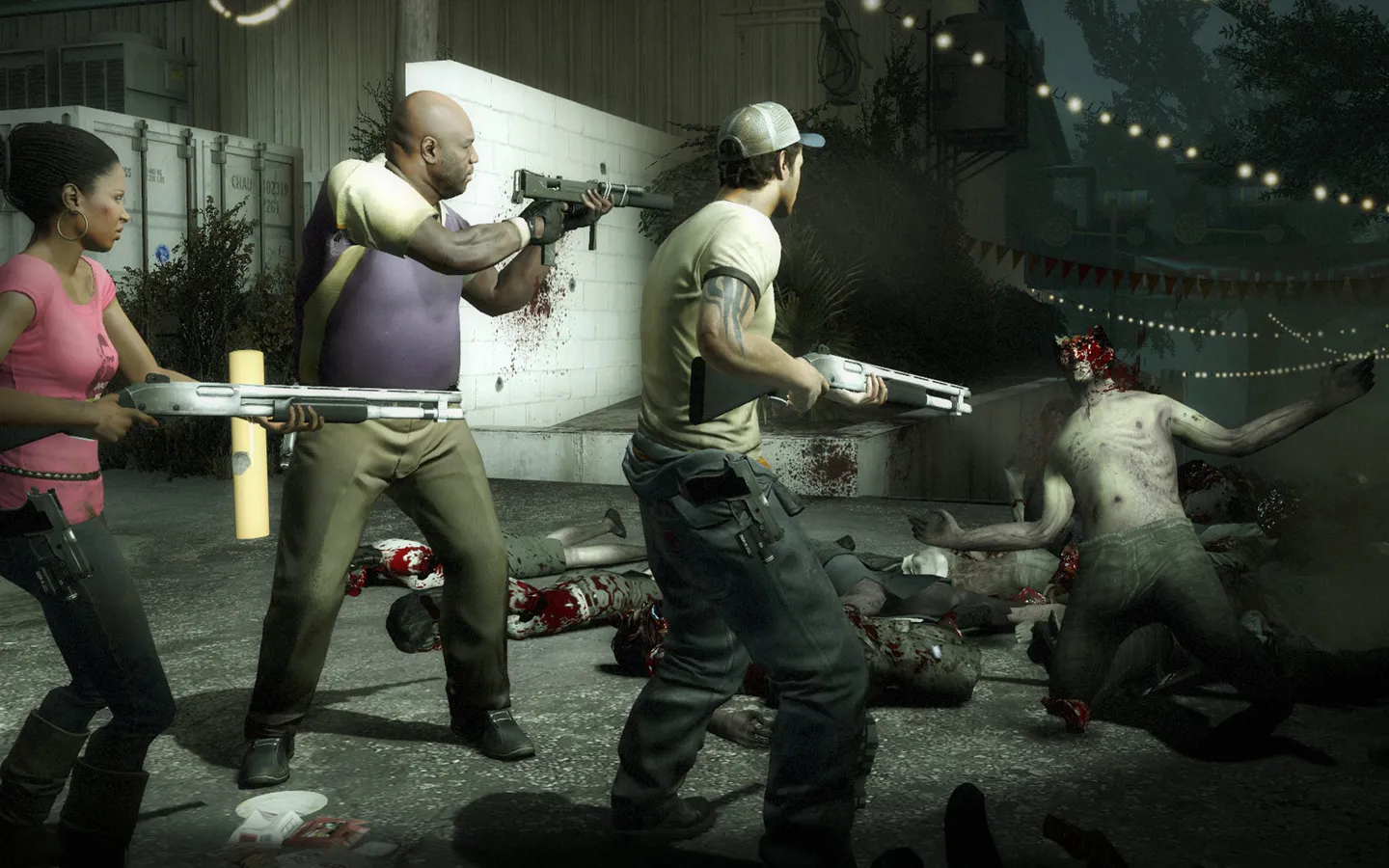

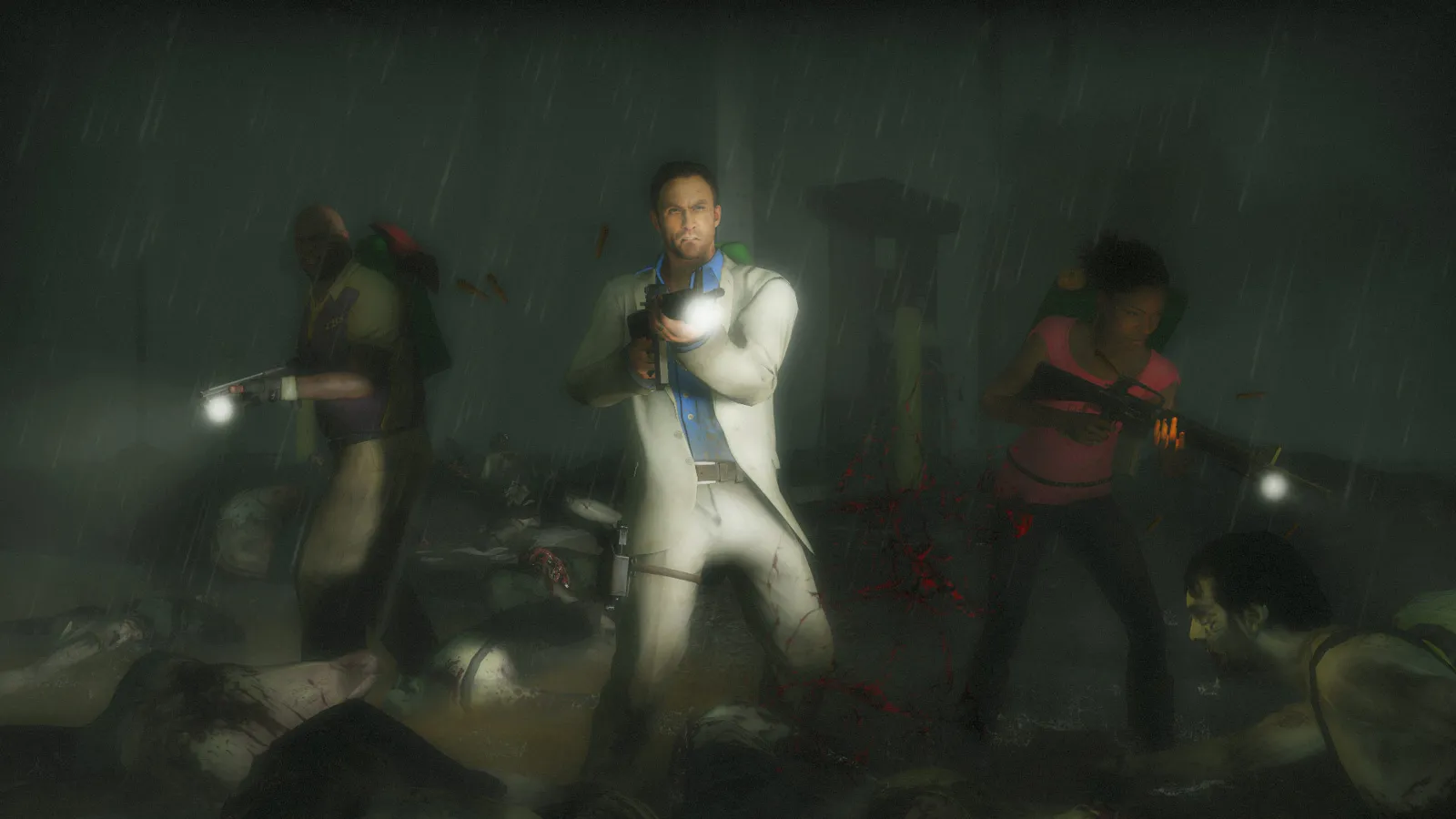
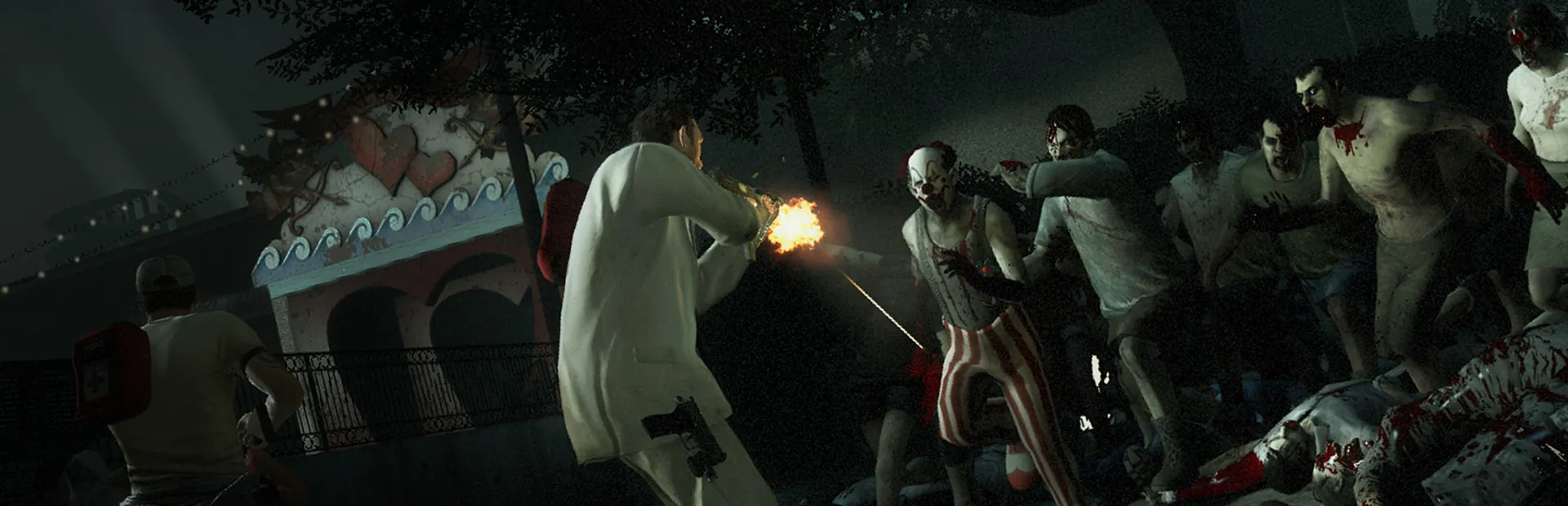
Screenshots: Left 4 Dead 2 on Steam, Valve.
Game modes
Survive together, or against each other.
Co-op
DefaultFour survivors fight through a campaign from safe room to safe room.
Versus
Four survivors against four players on the infected team, swapping sides each map.
Realism, survival and scavenge
Harder co-op, hold-out rounds and the gas can race. Switch from Server Manager in the panel.
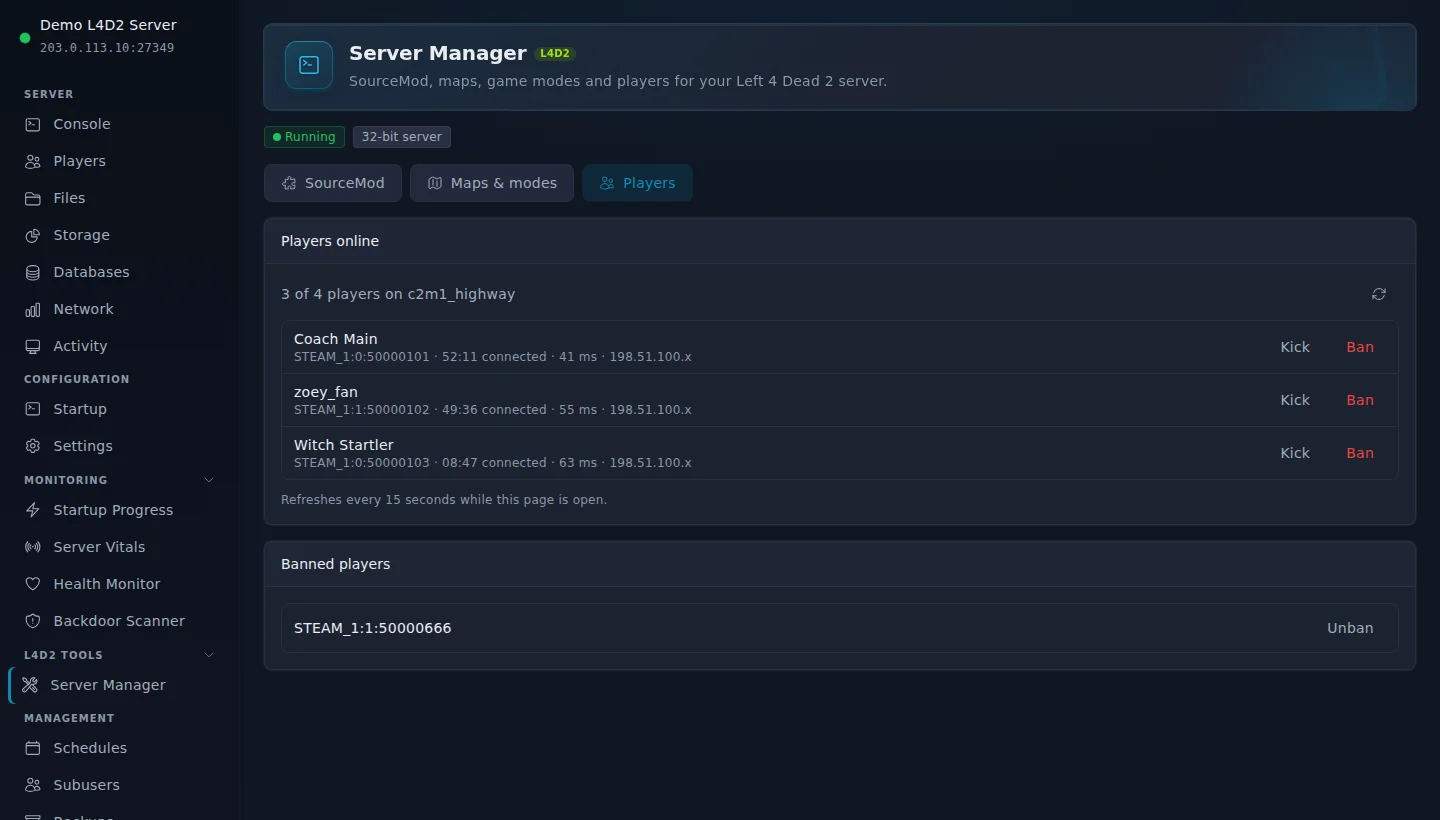
Server Manager, in your panel
Modes, maps, SourceMod and players on one page.
Every Left 4 Dead 2 server comes with the Server Manager. Switch from campaign to versus in one click, install SourceMod and keep an eye on who is playing.
How players join
Your group is in the game in under a minute.
Open your server in the panel and copy its address from the Console page.
Click Join via Steam on the Console page.
Or open the console (~) and type: connect your server address
The console needs Allow Developer Console set to Enabled under Options, Keyboard/Mouse. Every player needs the same custom campaigns and addons as the server.
Before you set one up.
Join by address or Steam group
Direct connections are switched on, so friends join by address with one console command. Add your Steam group ID and members can find the server from the game menu.
Custom campaigns need matching files
Every player needs the same custom campaign as the server. Share the Workshop link so your group subscribes before you start it.
Light on memory
A Left 4 Dead 2 server idles at about 150 MB of memory. 1 GB runs the official campaigns. Choose 2 GB for custom campaigns, addons and SourceMod.
More Steam games we host



Zeros Host is an independent hosting provider and is not affiliated with or endorsed by Valve. Left 4 Dead 2 and Steam are trademarks of Valve Corporation, used here only to describe what our servers run. Left 4 Dead 2 artwork and logo on this page are official Valve material from the Steam store, shown to identify the game.
All features at every tier.
Every panel feature is included regardless of which plan you are on. We charge for server resources, not for access to tools.
Starter
£2.50/mo
1 GB RAM · 20 GB storage
Standard
Popular£5/mo
2 GB RAM · 30 GB storage
Frequently asked questions
Something not covered here? Ask us directly.
How do my friends join?
With Join via Steam on the Console page, or by typing connect and the server address in the game console. Set Allow Developer Console to Enabled under Options, Keyboard/Mouse first. You can also add your Steam group ID so members find it from the game menu.
Can I run custom campaigns?
Yes. Upload the campaign .vpk to left4dead2/addons, restart, and start it with changelevel and its first map name. Every player needs the same campaign, so share the Workshop link first.
Can I play versus?
Yes. Open Server Manager, pick Versus and a map, and click Switch now. Campaign, realism, survival and scavenge work the same way, and Save for next start keeps the mode after a restart.
Can I run SourceMod plugins?
Yes. Open Server Manager and click Install SourceMod. It installs the official stable Metamod:Source and SourceMod builds, and Restart and check confirms both are running. Plugins also let you go past the usual 4 or 8 players.
How do I kick or ban a player?
Open the Players tab in Server Manager. Everyone on the server is listed with their Steam profile, time on the server and ping. Kick with a reason, or ban for an hour, a day, a week or permanently. Bans are by Steam account, so a new name does not get around them, and permanent bans survive restarts.
How much memory do I need?
1 GB runs the official campaigns for a full lobby. Choose 2 GB for custom campaigns, many addons or SourceMod plugins.
Where are the servers?
UK (London), Germany and Canada. You pick the region when you order.
A server for your group, ready when the horde is.
Plans from £2.50/mo. Cancel any time.
Questions first? Join our Discord for help, updates and the community.