
Hosting for Hytale
Your Hytale world, always online.
A dedicated server for you and your friends that keeps running when you log off. Sign in once with your own Hytale account from the panel, drop mods into the mods folder, and share one address with your group. You need a Hytale account that owns the game.
UK, EU and Canada hosted. Full panel access.
What the panel gives you
One-time sign-in, in the panel
No console digging. When your server asks to be approved, the panel shows the sign-in link and your code with a copy button and a countdown, then gets out of the way once you are signed in.
Clear connect details
Your address and port are shown on the server page, ready to copy. Hytale connects over QUIC on UDP, and your port is opened for you.
Mods and worlds in one click
Quick links take you straight to the mods folder and your world files in the browser file manager. Upload a mod, restart, done.
Automatic world backups
The server saves a world backup every 30 minutes and keeps the most recent ones, alongside the backups you take from the panel.
Stays on the latest version
Every start checks for the latest Hytale release, so your server keeps matching the version your players are on.
Live console
Watch the server start up and run commands in real time from the panel console.
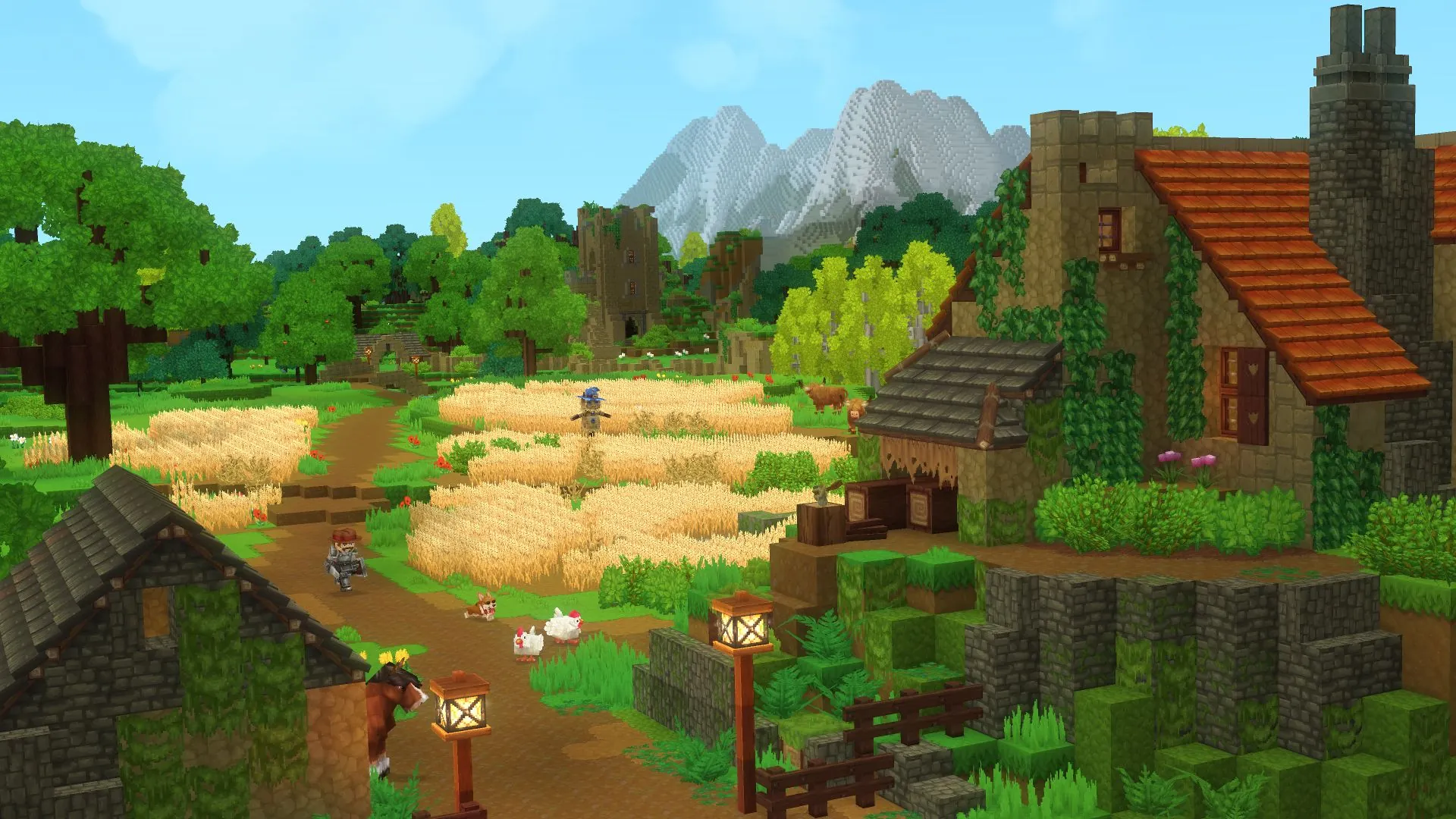
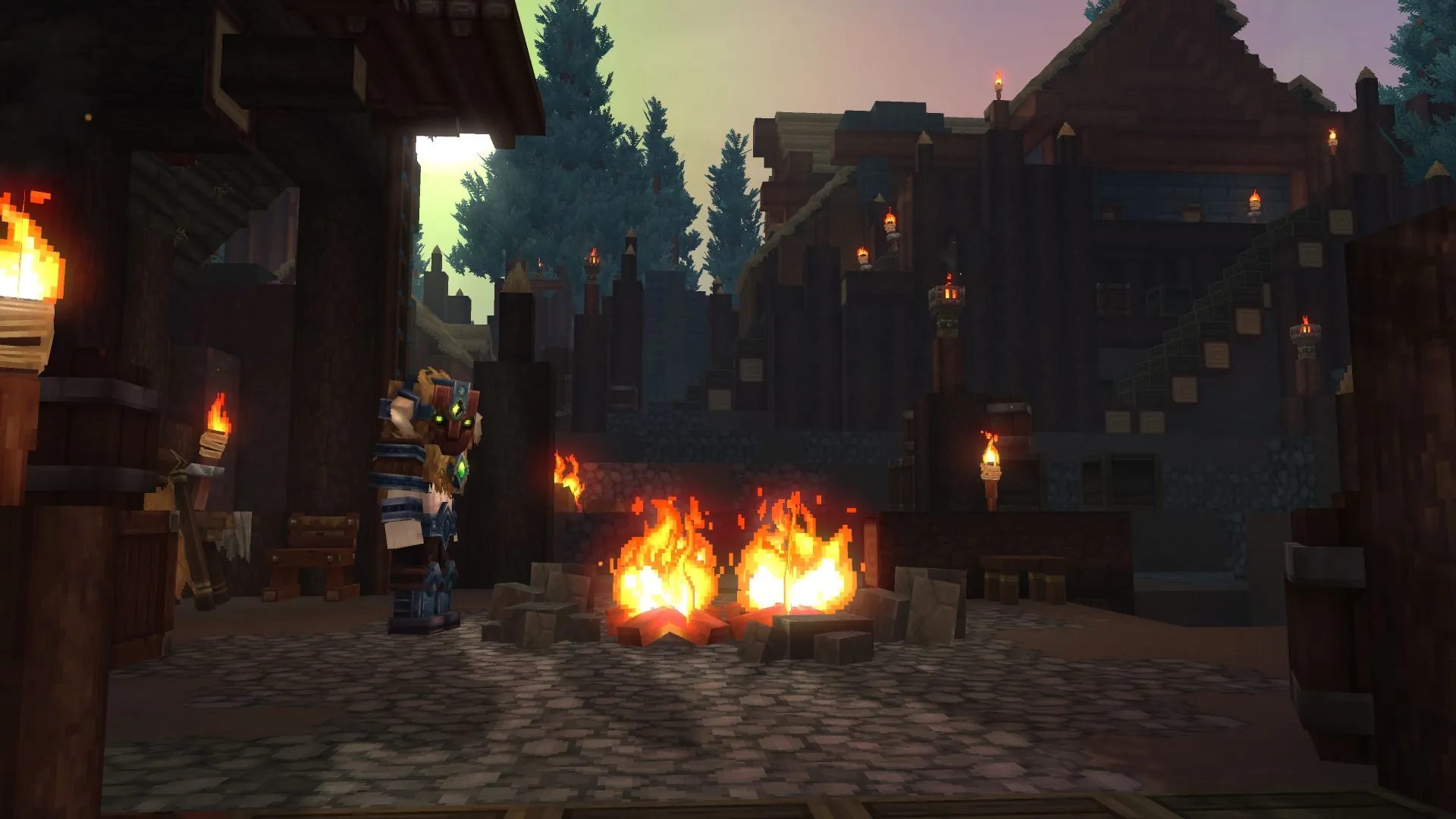
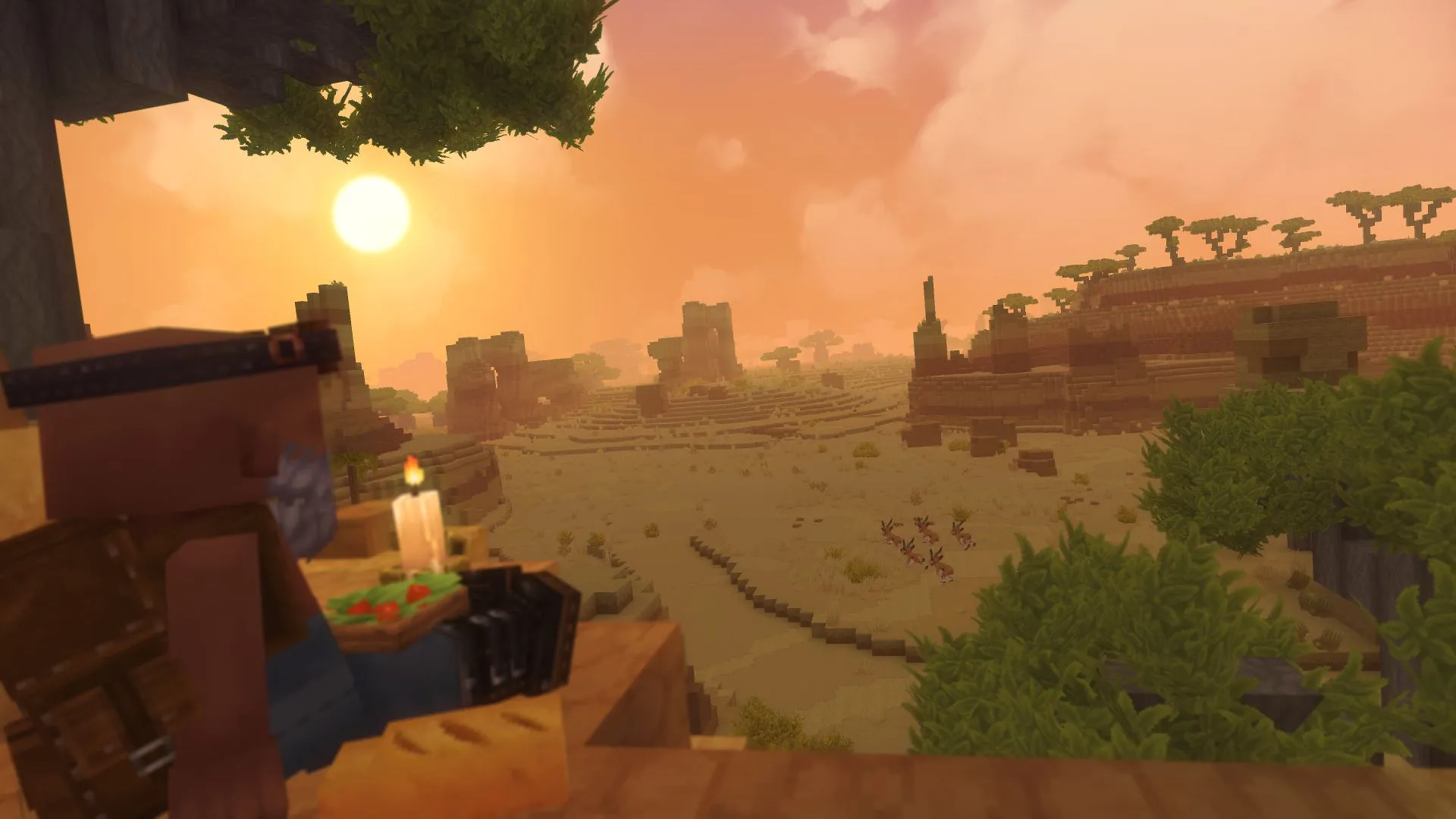
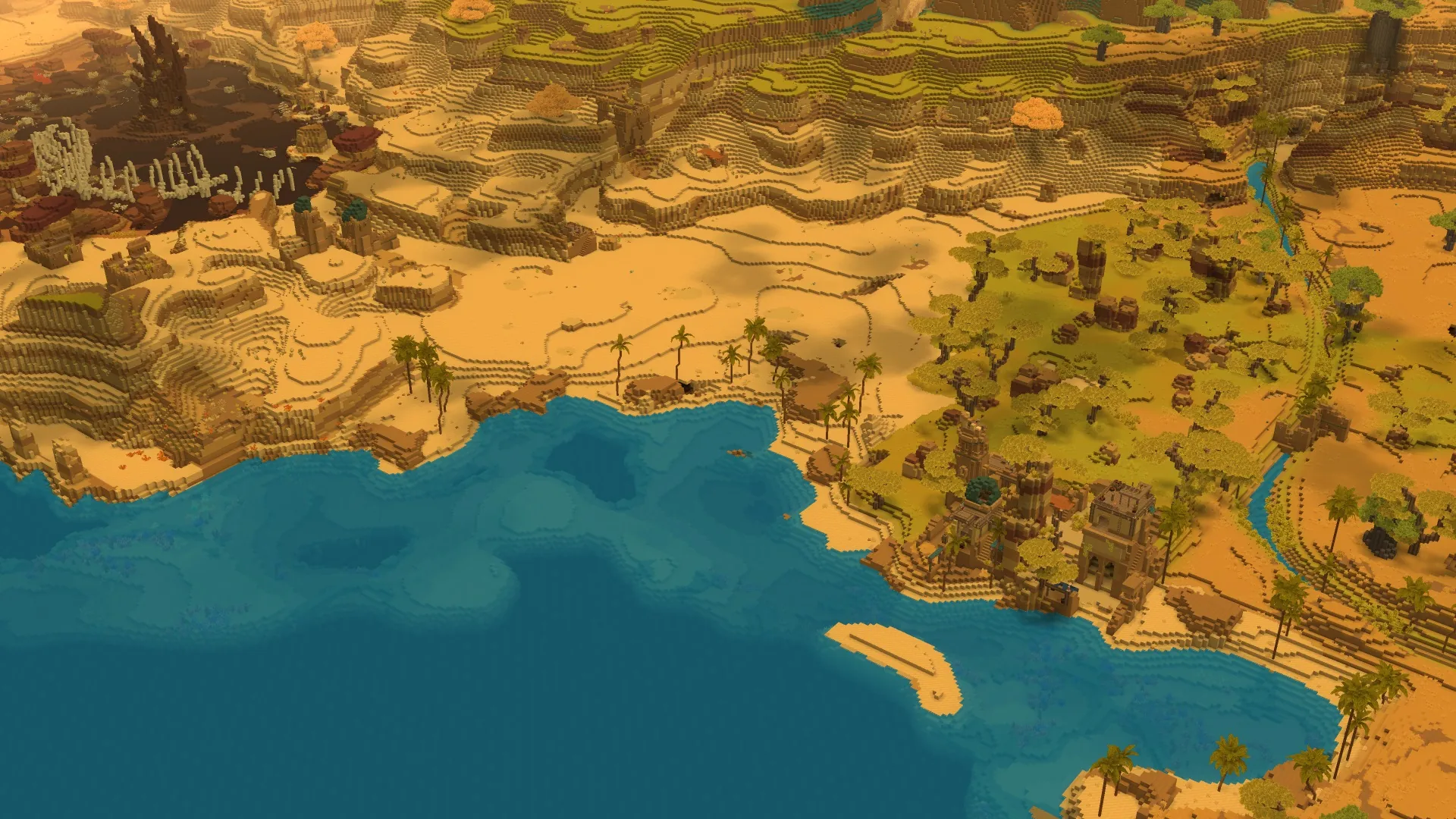
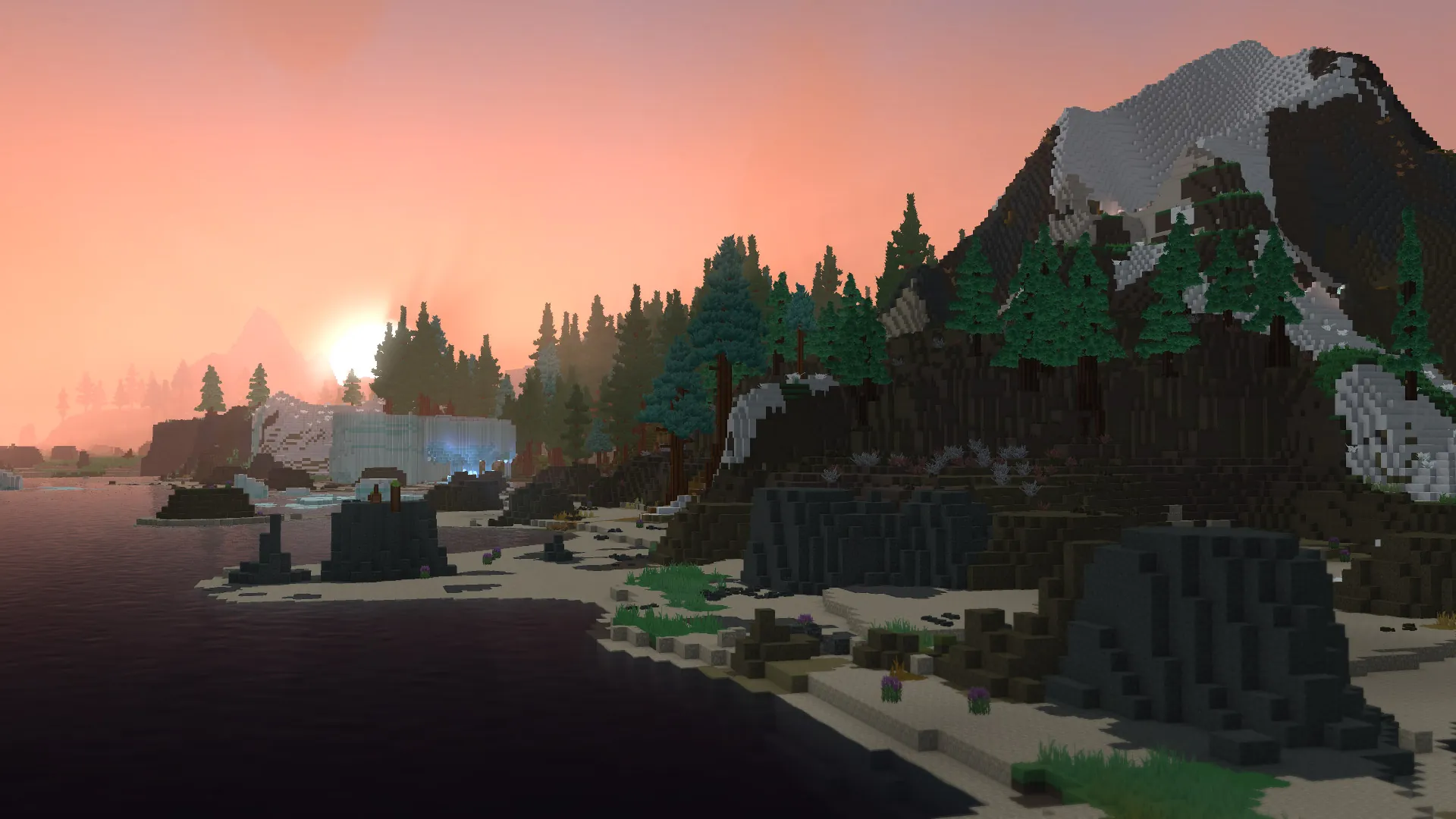
Zeros Host is an independent hosting provider. We are not affiliated with, endorsed by or sponsored by Hypixel Studios. Hytale is a trademark of its owner, used here only to describe what our servers run. The Hytale screenshots and logo on this page are official Hypixel Studios material from hytale.com, shown only to identify the game.
Release channel
Release or pre-release.
Release
DefaultThe current public version of Hytale. Pick this unless your whole group is on the pre-release channel.
Pre-release
Switch the patchline in your startup settings to run the pre-release build. Every player joining needs to be on pre-release too.
Zeros Host is an independent hosting provider. We are not affiliated with, endorsed by or sponsored by Hypixel Studios. Hytale is a trademark of its owner, used here only to describe what our servers run. The Hytale screenshots and logo on this page are official Hypixel Studios material from hytale.com, shown only to identify the game.
In the panel
Signed in and playing, without the console.
A Hytale server has to be approved once with your own Hytale account before it can download the game. The panel walks you through it, then shows everything players need to join.
Console page
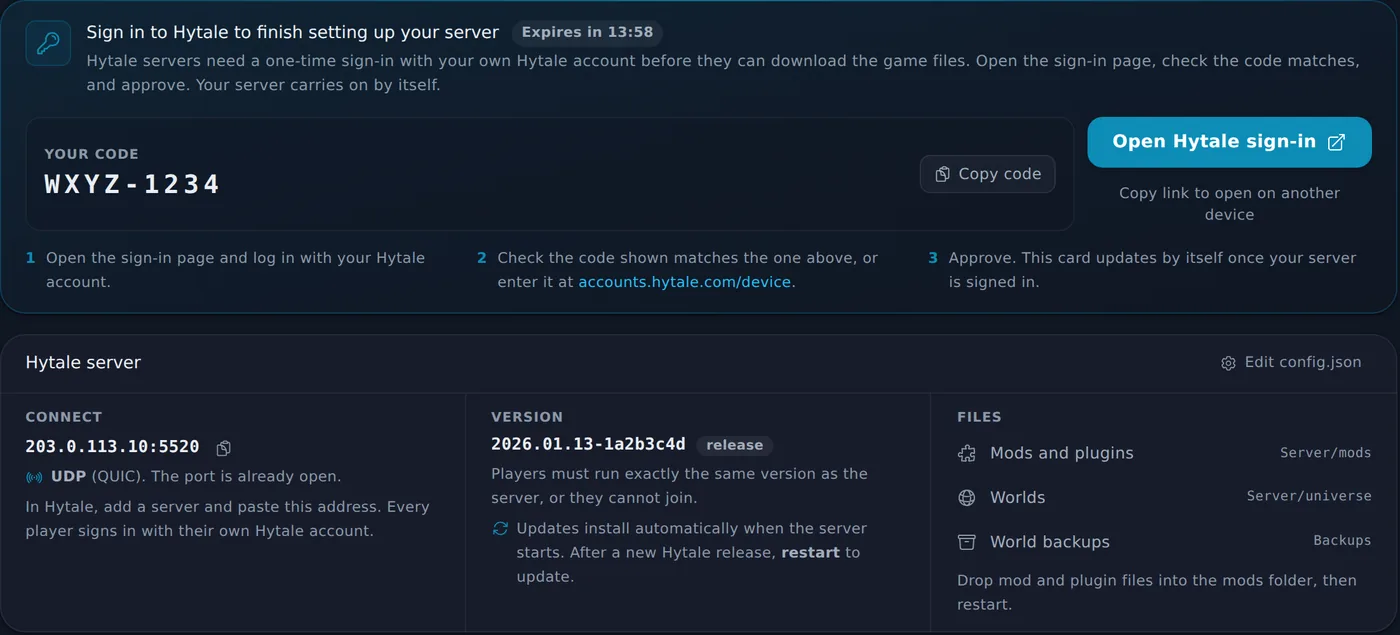
- The sign-in link and your code, with a copy button and a countdown, the moment the server asks for it.
- The card updates by itself once you approve, then gets out of the way.
- Your connect address with one-click copy, and the Hytale version the server is on.
- Shortcuts to the mods folder, your worlds and the world backups.
How it works.
From order to playing in a few minutes.
- 1
Pick a plan
Every plan starts at 6 GB of memory with at least 3 CPU cores, sized from a real Hytale server.
- 2
Approve the server once
The console page shows a sign-in link and code. Approve it with your own Hytale account and the server downloads the game.
- 3
Join from the game
Copy the address from the server card. In Hytale, add a server, paste the address and join.
Good to know.
You sign in once, with your own account
The first time the server starts, it asks you to approve it with your Hytale account. The panel shows the link and a short code with a copy button and a countdown. Approve it once and the server remembers it.
Versions must match
Hytale only lets players join a server running exactly the same game version. Your server checks for the latest release every time it starts, so after a game update a restart brings it in line with your players.
Plans start at 6 GB
We measured a real Hytale server: one player used more than 4 GB of memory within minutes. So every plan starts at 6 GB and gets 3 to 5 CPU cores. There is no free trial for Hytale for the same reason.
Host one of these today

All features at every tier.
Every panel feature is included regardless of which plan you are on. We charge for server resources, not for access to tools.
Starter
£11/mo
6 GB RAM · 30 GB storage
Standard
Popular£16/mo
8 GB RAM · 45 GB storage
Pro
£21/mo
10 GB RAM · 60 GB storage
Frequently asked questions
Something not covered here? Ask us directly.
Do I need my own Hytale account to run a server?
Yes. The first time your server starts it asks to be approved by a Hytale account, and that is your own account. The panel shows the sign-in link and a short code. Open the link, approve the server, and it starts downloading the game files. You only do this once.
What happens if the sign-in code expires?
The code is only valid for a few minutes. If it runs out before you approve it, restart the server from the panel and a fresh link and code appear in the same card.
Why can my friends not join after a Hytale update?
Hytale requires the server and every player to run exactly the same version. Your server picks up the latest release each time it starts, so restart it after a game update and your players can join again.
How do players connect?
Share the address and port shown on your server page. Hytale connects over QUIC on UDP, and the port on your plan is opened for you.
Can I add mods?
Yes. Upload mods to the mods folder from the file manager (the panel has a quick link to it) and restart the server.
Is there a free trial?
No. A Hytale server needs more memory than our free trials offer, so Hytale is paid only. You can cancel any time, and new purchases have a 14 day cooling-off period.
Where are the servers?
UK (London) and Canada. You pick the location when you order.
Your Hytale world, always online.
Plans from £11/mo. Cancel any time. You need a Hytale account that owns the game.
Questions first? Join our Discord for help, updates and the community.