

Terraria Hosting
Vanilla or modded. Your world, hosted.
Terraria server hosting on Vanilla or tModLoader, same price. Paste a Steam Workshop link to install mods like Calamity, and the panel adds the mods they need for you. Visual world configuration and automatic backups included.
UK, EU and Canada hosted. Full panel access.
What the panel gives you
World Configuration
Choose your world size, difficulty, and seed from the panel. Small, medium, or large worlds with Journey, Classic, Expert, or Master difficulty.
tModLoader Support
Pick tModLoader when you buy, or switch from the Mods page at any time. Paste a Steam Workshop link or collection to install mods. Required mods are added automatically, and each mod can be turned on or off.
Server Config Editor
Edit serverconfig.txt from a structured form. Max players, password, port, difficulty, and world settings without raw file editing.
Automatic Backups
Your worlds are backed up automatically. Restore to any previous save point from the panel if something goes wrong.
Setup Wizard
A guided first-run flow that configures your server. Pick Vanilla or tModLoader, set world size, difficulty, and max players before the first start.
Player Management
View connected players, manage bans, and set a server password directly from the panel. No console commands needed for routine admin.
World Manager
Create, switch, delete, and download Terraria worlds from the panel. Reads and writes serverconfig.txt automatically so the active world changes take effect on the next server start.
Server types
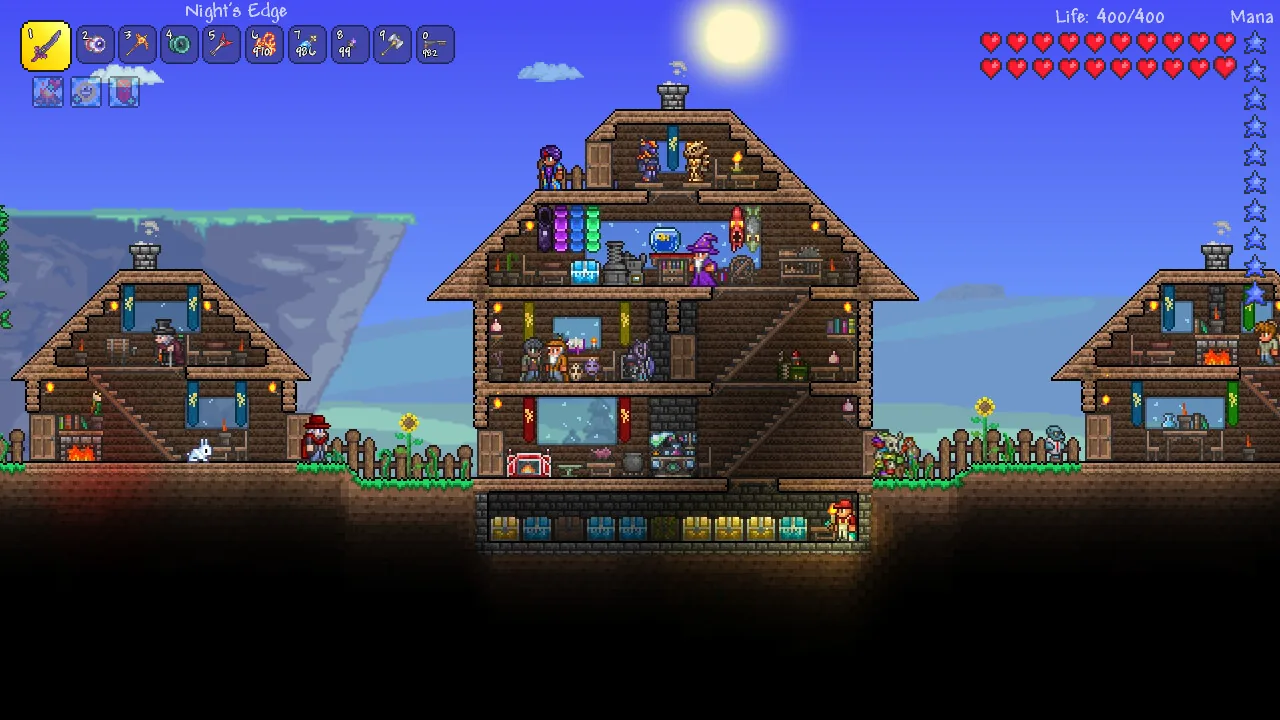
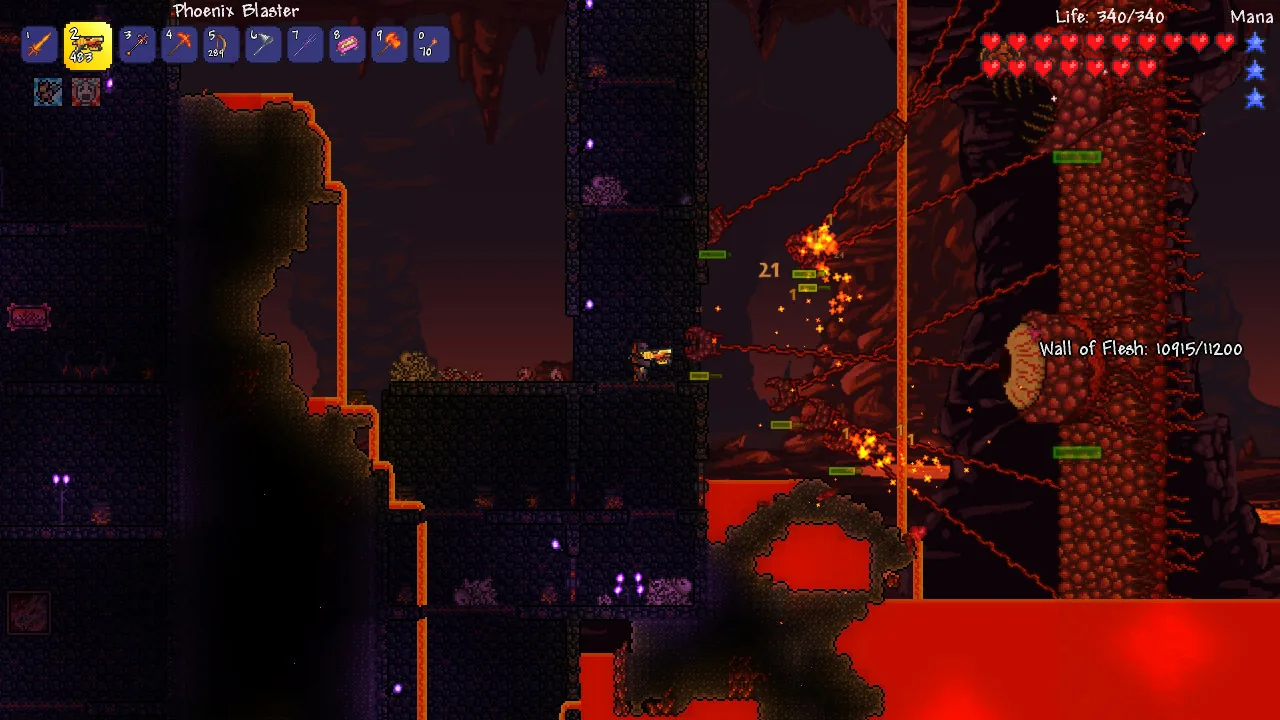
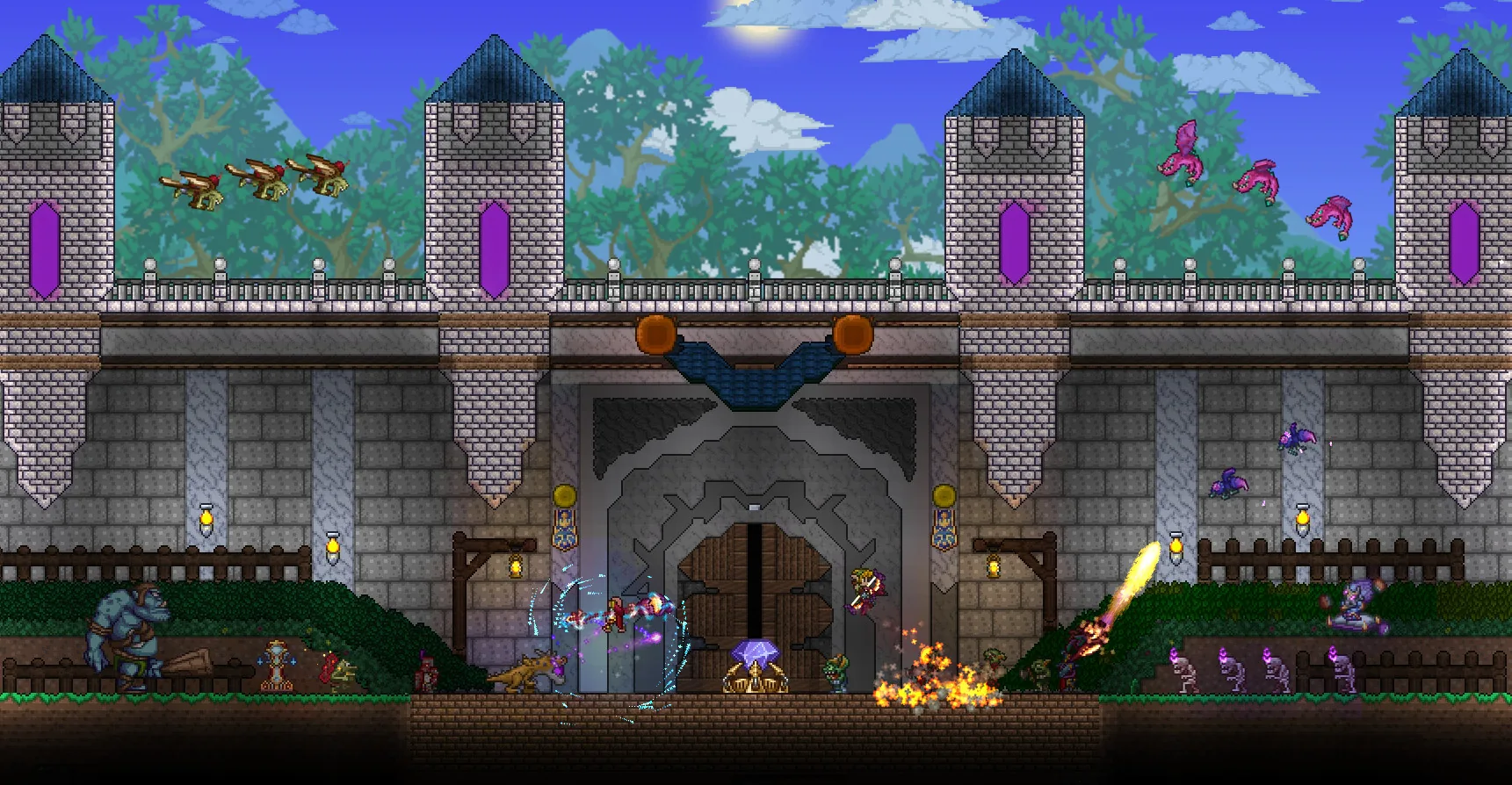
Vanilla or modded.
Vanilla
DefaultThe standard Terraria server experience. No mods, no modifications. Good for playing through the game with friends exactly as Re-Logic intended.
tModLoader
Modded Terraria with Steam Workshop mods such as Calamity and Magic Storage, installed from the panel. Players join with tModLoader, free on Steam for everyone who owns Terraria. Switching between Vanilla and tModLoader keeps both worlds.
Configure your world before you start.
The setup wizard handles server type, world size, difficulty, and seed before the first start. Skip the config files and go straight to playing.
- Choose Vanilla or tModLoader at checkout, switch any time
- Set world size, difficulty, and seed from the panel
- Max players and password without editing files
- Steam Workshop mods installed from a link
Configure your world
from the panel.
Pick your world size, difficulty, evil type, and seed without touching config files. The panel generates the world for you.
- Small, Medium, or Large world sizes
- Classic, Expert, Master, or Journey difficulty
- Corruption, Crimson, or Random world evil
- Named seeds and custom seed support
Tougher enemies, better loot
These are the Terraria-specific tools. The panel also includes a full console, file manager, backups, schedules, and more.
See all panel featuresWe publish our performance data publicly, including startup times and storage benchmarks.
Open benchmarksPlans from £2/mo.
UK, EU and Canada servers. No credit card needed to start. Every plan includes a 48-hour free trial.
How Zeros Host compares
What you get with Zeros Host versus a stock Pterodactyl panel or a typical Terraria host.
World manager (create, switch, download)
Vanilla or tModLoader server
Server config editor (form)
Player management
Setup wizard for new servers
Server console
File manager
Automated backups
DDoS protection
All features on every plan
"Stock Panel" refers to an unmodified Pterodactyl installation. "Budget Host" reflects what is commonly offered by hosts in the same price range. Your experience may vary.
See it in action.
Terraria 1.4.5: Bigger & Boulder Trailer
Terraria Official Trailer
Latest update
Terraria 1.4.5 and tModLoader
2026
Vanilla servers install the newest Terraria release, 1.4.5. tModLoader servers install the newest stable tModLoader, which runs Terraria 1.4.4 and the mods built for it.
All features at every tier.
Every panel feature is included regardless of which plan you are on. We charge for server resources, not for access to tools.
Trial
Free
2 GB RAM · 48 hours
Starter
£2/mo
1.5 GB RAM · 25 GB storage
Standard
Popular£5/mo
2 GB RAM · 40 GB storage
Pro
£9/mo
4 GB RAM · 60 GB storage
Frequently asked questions
Something not covered here? Ask us directly.
Does your Terraria hosting support tModLoader?
Yes. Every Terraria plan runs Vanilla or tModLoader at the same price. Choose tModLoader at checkout, or switch from the Mods page in the panel at any time. Your vanilla world and your tModLoader world are both kept when you switch. Players join a tModLoader server with tModLoader, which is free on Steam for everyone who owns Terraria.
How do I install mods on my Terraria server?
Open the Mods page, paste the Steam Workshop link of the mod (or a whole collection) and press Apply. The server downloads the mod and every mod it requires, then you press Start. Mods that are not on the Workshop can be uploaded as .tmod files in Files. No SSH or FTP client to set up.
How do I update my Terraria server?
Every install and reinstall downloads the newest release: Terraria for Vanilla, the newest stable tModLoader for tModLoader. To update, use Reinstall in Settings. Your worlds and settings are kept.
What's included in the free trial?
The free 48-hour trial gives you a fully functional Terraria server with no credit card required. You get the full panel, tModLoader support, world configuration and backups. If you decide to subscribe, your server and world carry over to the paid plan.
Where are your Terraria servers located?
Our servers run in the UK (London), Germany and Canada, and you pick your region at checkout, with low latency across all three. Zeros Host is a UK-based game server host and all prices are in GBP.
Vanilla or modded. Your world, hosted.
Free trial. No credit card required.
Terraria hosting is available now. Start a free trial to try the panel.
Questions first? Join our Discord for help, updates and the community.